[Updated] v0.6 – 19-08-16 https://1drv.ms/u/s!AgngrULjSty9kJscgMVwpojeo2pn3w
Changes
- Added UFO
- Extra player every 10,000pts
- Ability to enter high scores
Settings
Change the settings.json file to adjust the resolution (and other things such as vsync, flicker and lives) :
640 – 640×480
800 – 800×600
1024 – 1024×768 (default if nothing else matches)
1366 – 1366×768
1920 – 1920×1080
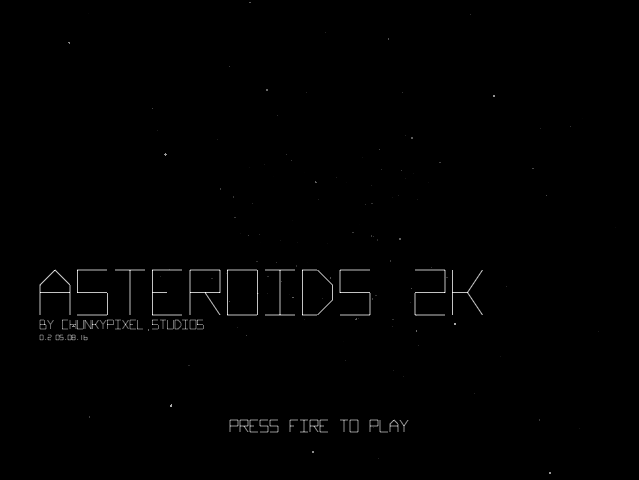
I have tried to follow the arcade version fairly closely from a play view point – still got a few things to do such as the high score table and a bit more work on the tempo (very hard to get past Level 3-4) but a good start. I’ve already added some extra stuff such as level counter and remaining asteroids (ahla Wizball) and I also want to add collectable power-ups such as speed-ups, multi-bullets, bombs etc to give it a bit a of more modern flavour. As with vector games, the screenshots don’t do the visuals much justice but it looks pretty good on-screen – moving starfields and glowing explosions etc.
One of my favorite games which I’ve re-built many a time over the years since I played it on the Atari 2600. Certainly my best effort!
Any feedback would be great!
]]>
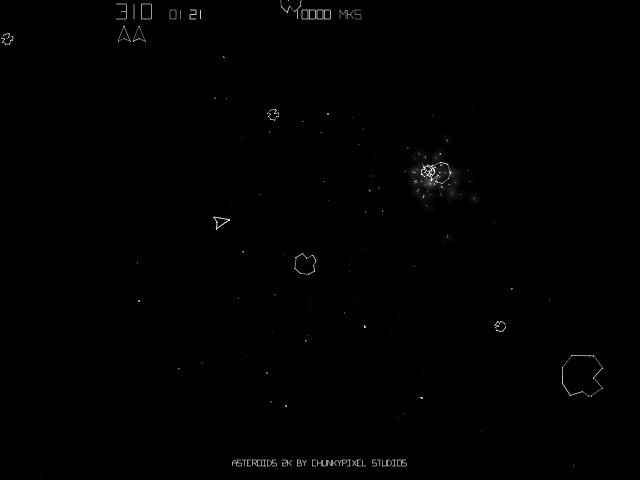
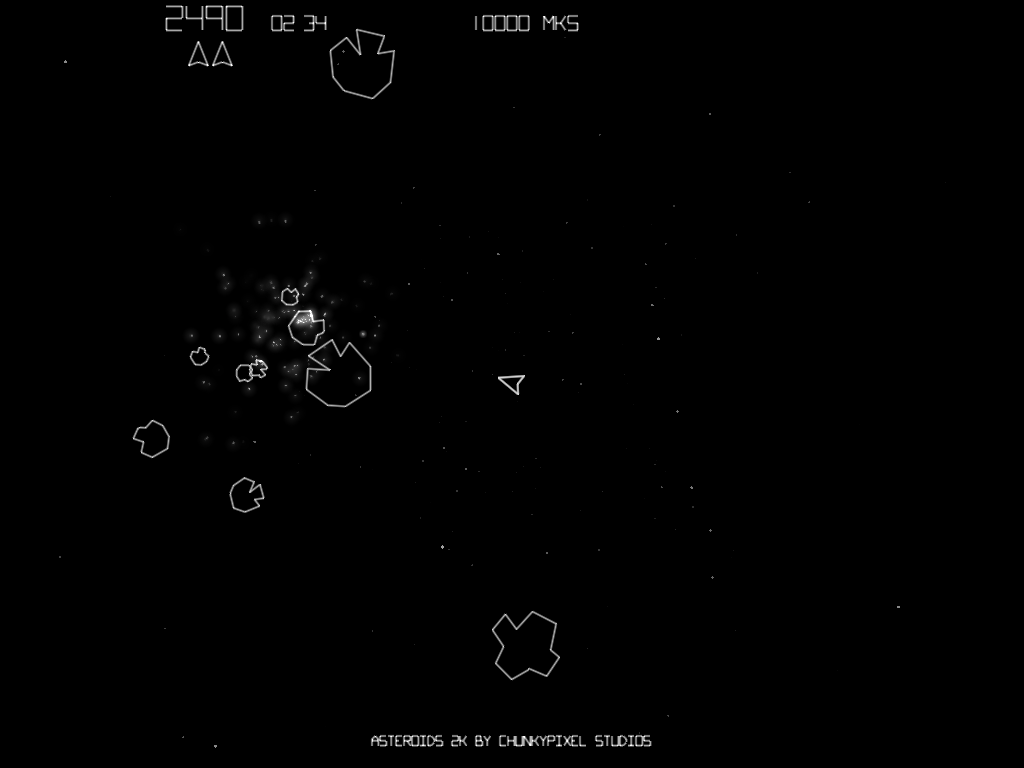
One thing. it’s very ‘dark” for my tastes. The original vector scanning was very crisp and bright in comparison.
]]>Like the shaking also – pretty much built-in to Wiebo’s Game2d framework so all credit to him!
]]>You can now adjust the screen size (auto scales everything up) which makes the whole thing look much crisper! If you look in the settings file you can set the screen width which will configure the final screen size:
640 – 640×480
800 – 800×600
1024 – 1024×768 (default if nothing else matches)
1366 – 1366×768
1920 – 1920×1080
Everything is scaled (vectors, font, particles, speed) so it should essentially play the same regardless of resolution (not sure if I’ve got everything as yet though as it seems slightly easier the bigger you go).
]]>Had to turn flicker off pretty quickly though…
]]>