About Monkey 2 › Forums › Monkey 2 Projects › Quake BSP loading
This topic contains 20 replies, has 6 voices, and was last updated by  Hezkore
 1 year, 9 months ago.
-
AuthorPosts
-
July 7, 2017 at 2:02 pm #9166
I’m working on a Quake 1 BSP loader.
For those of you who don’t know what “BSP” is, it’s basically the map format for Quake 1 (and other Quake games)
The fun thing about Quake 1’s BSP files is that they contain everything you need!
Unlike Quake 3 BSP files where you need separate pack files for textures and “shaders” and all that, Quake 1 has all the textures and information you need inside the BSP file itself.Sadly, Assimp doesn’t load Quake 1 BSP files.
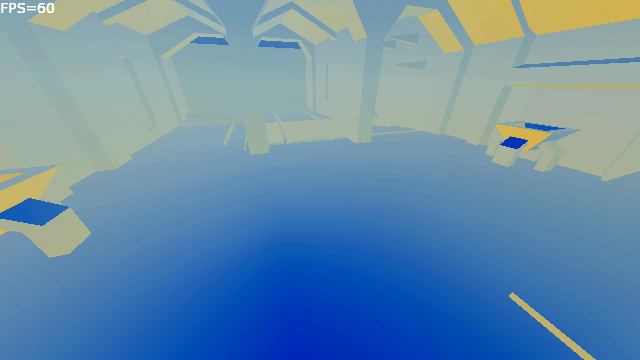
So I’ve decided to load them myself!I’ve gotten the geometry to work, along with the normals for surfaces.
And I have all the information for textures, but I’m still figuring out how to apply them properly to the mesh.
Here’s a shot from the start level of Quake 1.
 July 7, 2017 at 2:24 pm #9167
a question for you…
How are you going to support triggers, doors, movable floors, etc?
Also collision with the map?
is the map above showing the normals?
July 7, 2017 at 2:31 pm #9168I did triggers, doors and all that in BlitzMax and MiniB3D, so I’ll use the same technique as before.
The BSP splits up movable stuff as their own mesh, so I can move them around easily.
I would probably make entity related things its own module though.I’m not even sure Mojo3D has any sort of collision code outside of the Bullet Physics stuff, so that might be trickier.
But I do have all the wall and floor information for the “section” the player/camera is in, so I wouldn’t have to check collision against the entire mesh, just the area you’re in.
It’ll be sorted over time!Right now I’m just trying to get textures to work properly.
They can be animated in different ways, so I’ll have to figure out how to do that in Mojo3D too.July 7, 2017 at 6:36 pm #9170Standard textures are now working.
Trying to make my own shaders for sky and liquids.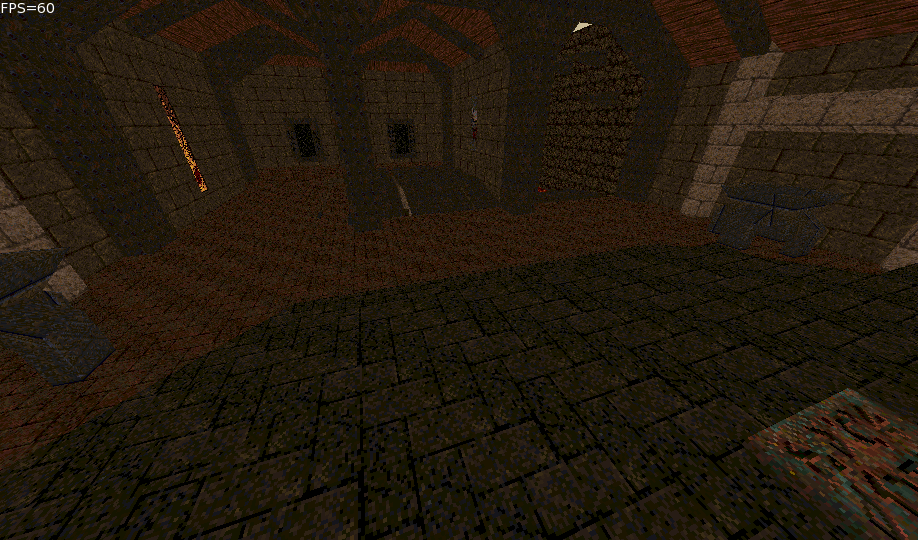 July 8, 2017 at 8:42 am #9184
Looks great!
July 9, 2017 at 1:01 am #9195Thanks cocon!

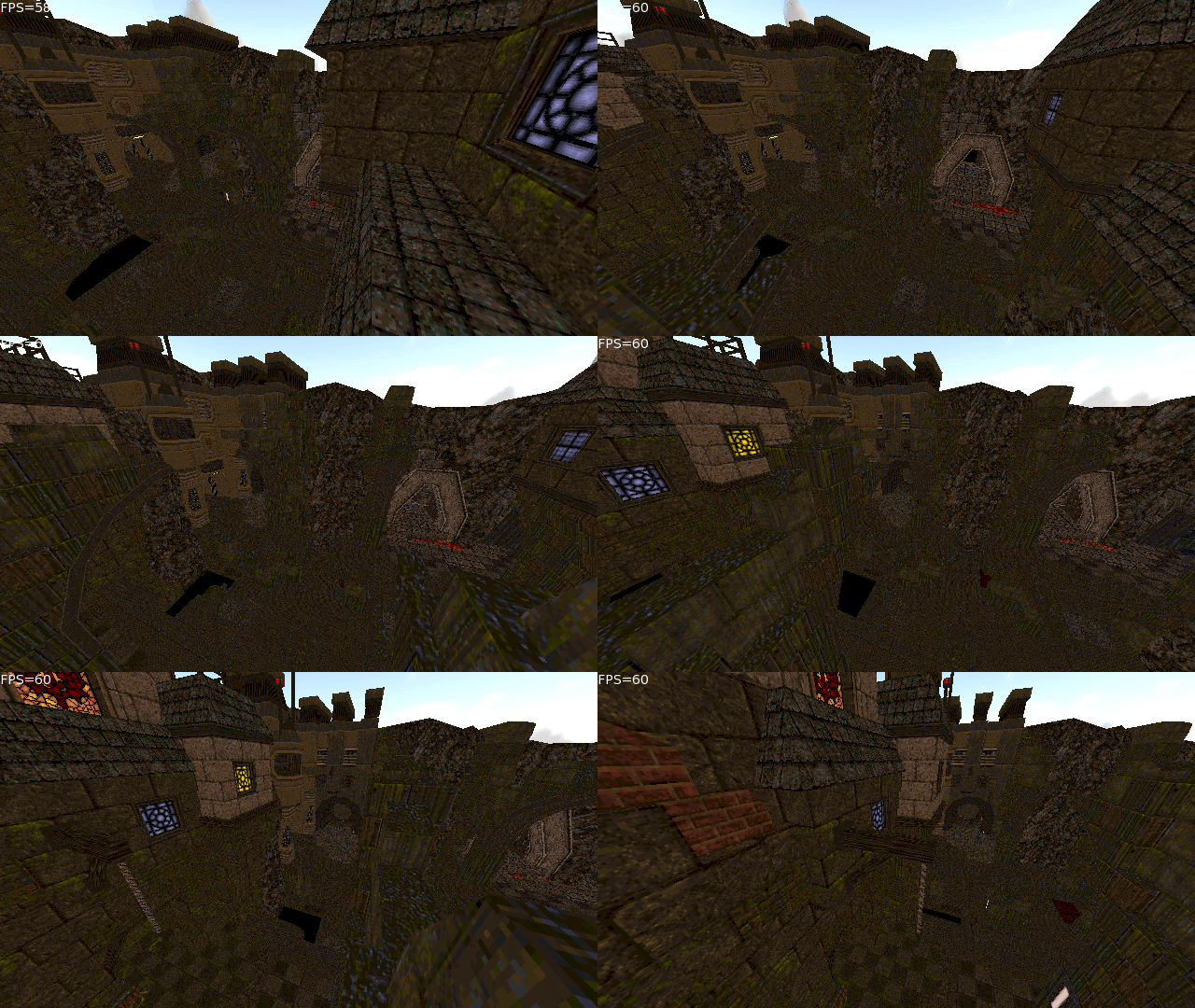
I wonder how I’d add anisotropic filtering…
A Gif for you guys.
 July 9, 2017 at 3:11 am #9196
I’ve managed to get material transparency working for the textures that use a mask.
I also noticed that Mojo3D really doesn’t like a lot of materials per mesh, even if they’re not actually used!
So I’ve optimized that part quite a bit, I’m now getting solid 60 FPS at places where I used to get 8 FPS heh.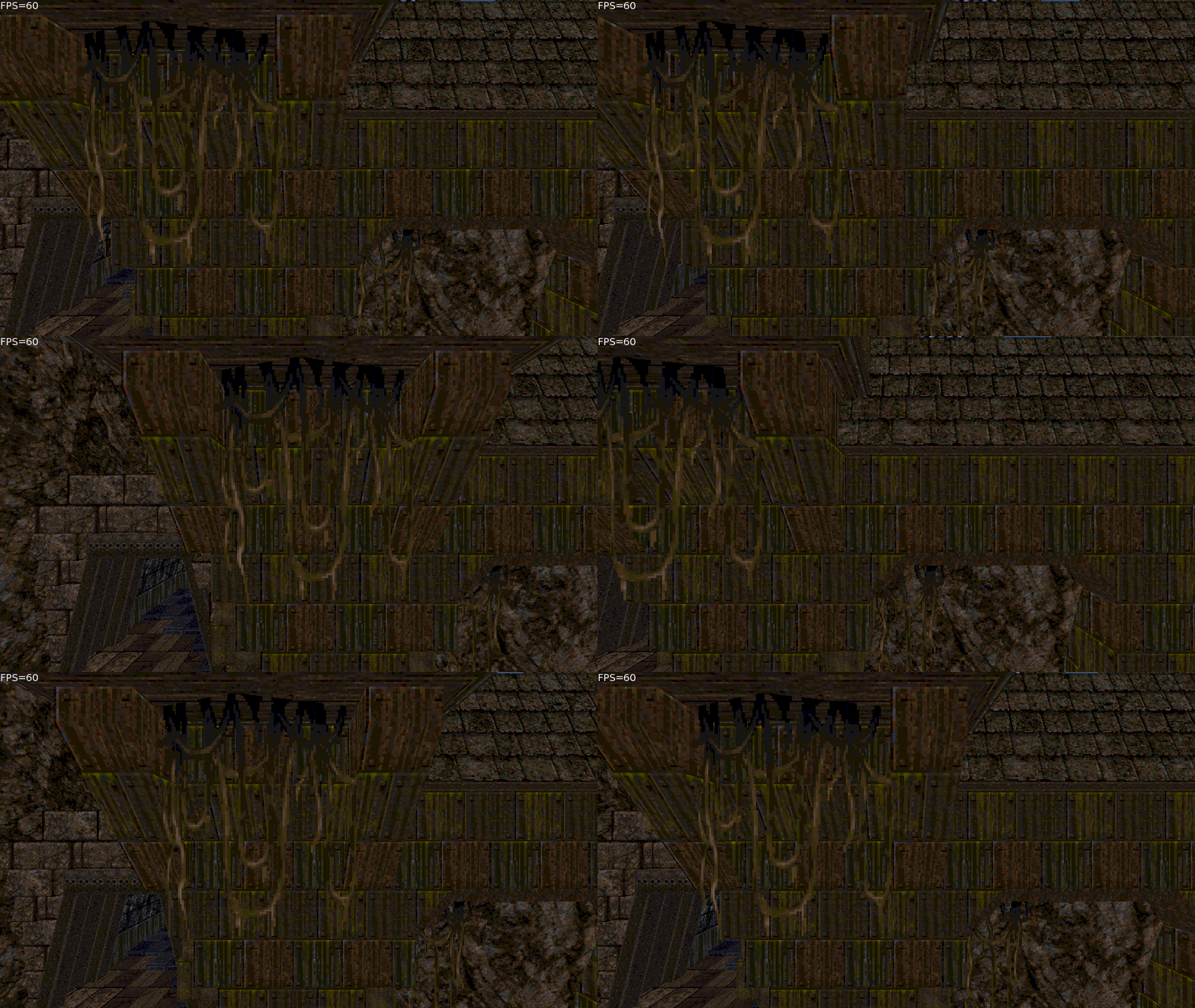 July 9, 2017 at 11:58 pm #9210
Animated textures are now supported.
Working on shader for water and sky next.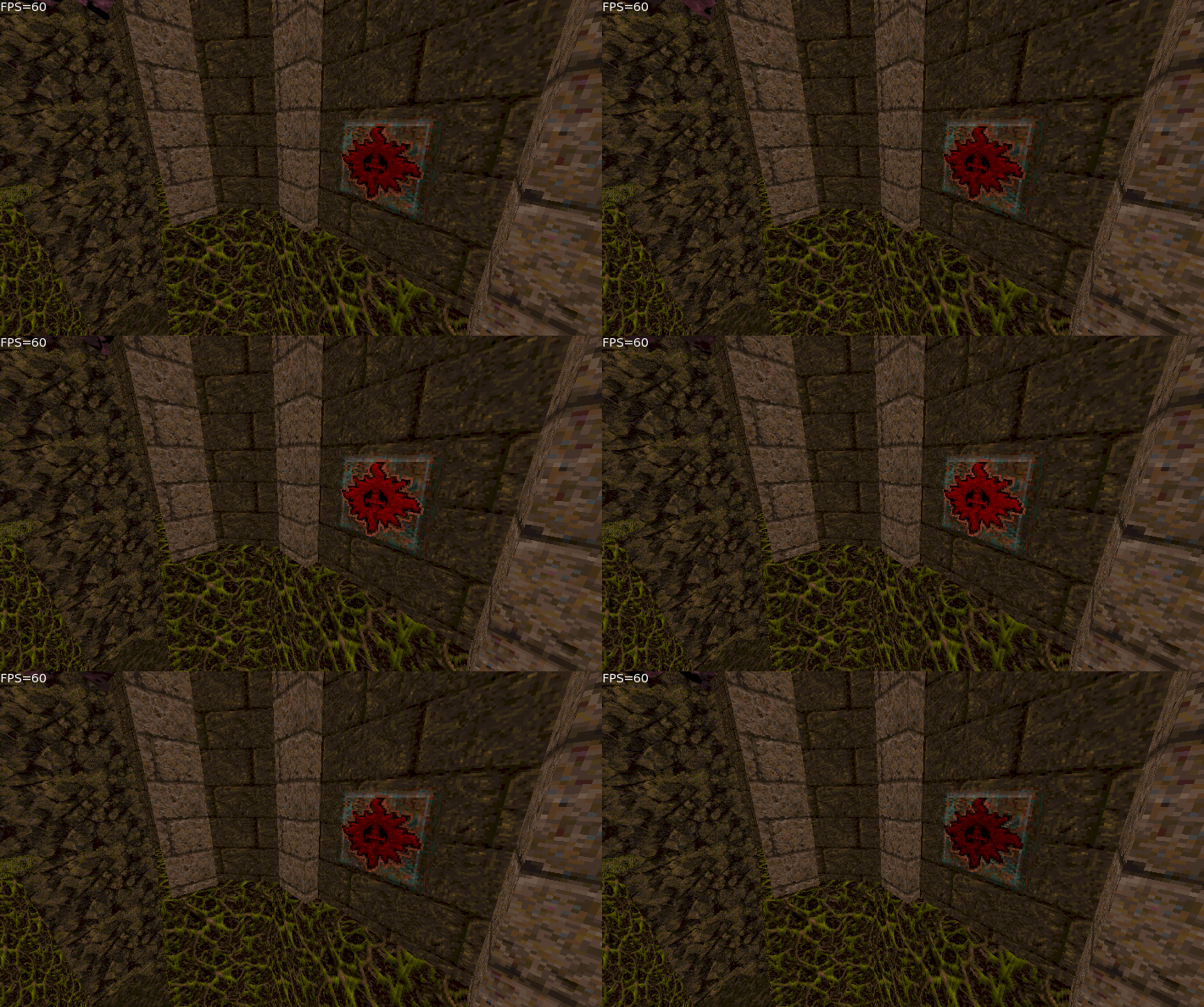 July 10, 2017 at 12:11 am #9212
Nice!
It did not age well though vanilla quake 1
July 10, 2017 at 12:15 am #9213Looks very quake-y, love it!
July 10, 2017 at 12:15 am #9214Haha I love the look of Quake 1!
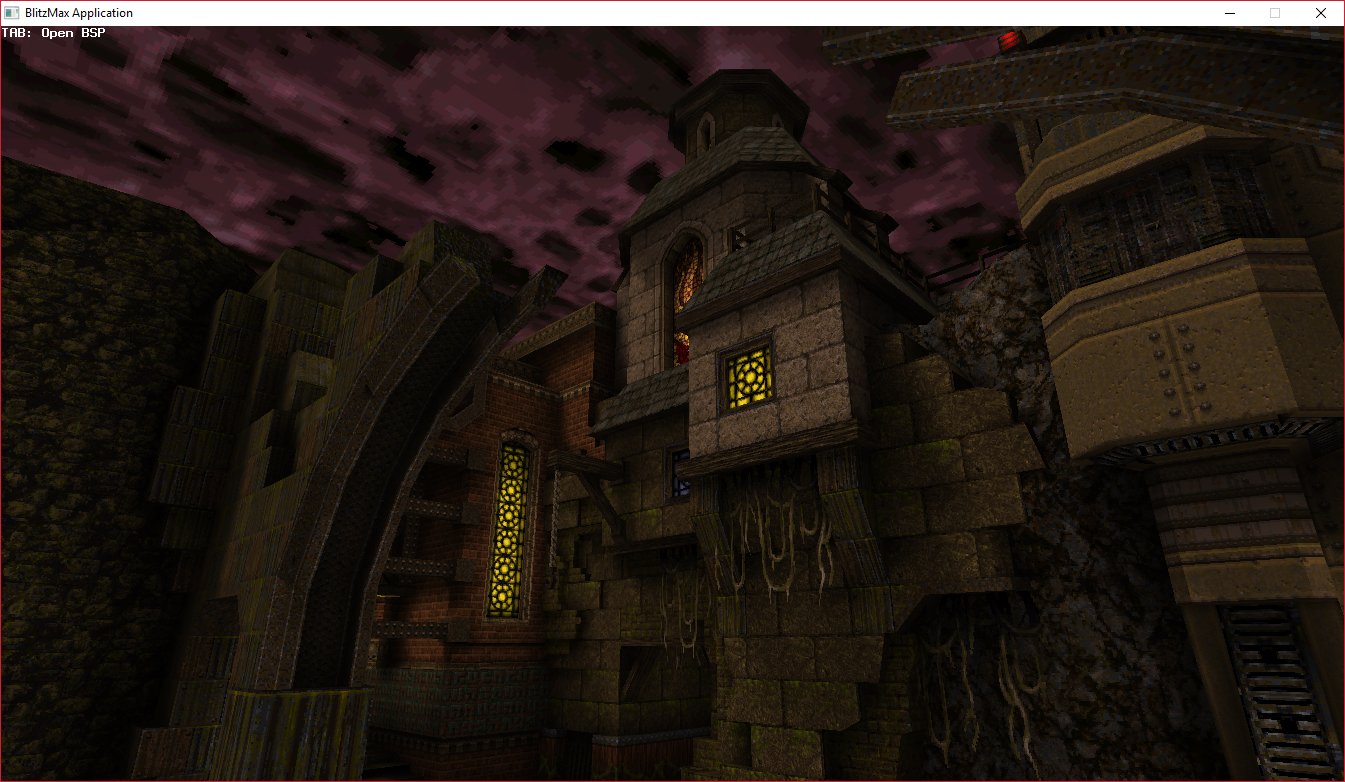
But don’t let my screenshots fool you, the filtering is awful and there are no lightmaps since Mojo3D doesn’t support multiple texture coords atm.
I’ve already loaded the Quake 1 maps in BlitzMax with the lightmaps, and this is how it looks there:The Monkey 2 version will get there eventually!
Maybe even use realtime lights? July 10, 2017 at 12:35 am #9215
That looks better
I was also impressed with Quake works a while ago when I saw a version running on a faster Amiga.Had a lot of fun in the later 90’s with quake online. Did cost me a about half a months salary on the phonebill once though
July 10, 2017 at 12:22 pm #9237looking nice might have to fire up Quake 1 it’s been a while
July 12, 2017 at 1:32 am #9259A friend of mine helped me out with the liquid shader, making it match Quake as much as possible:
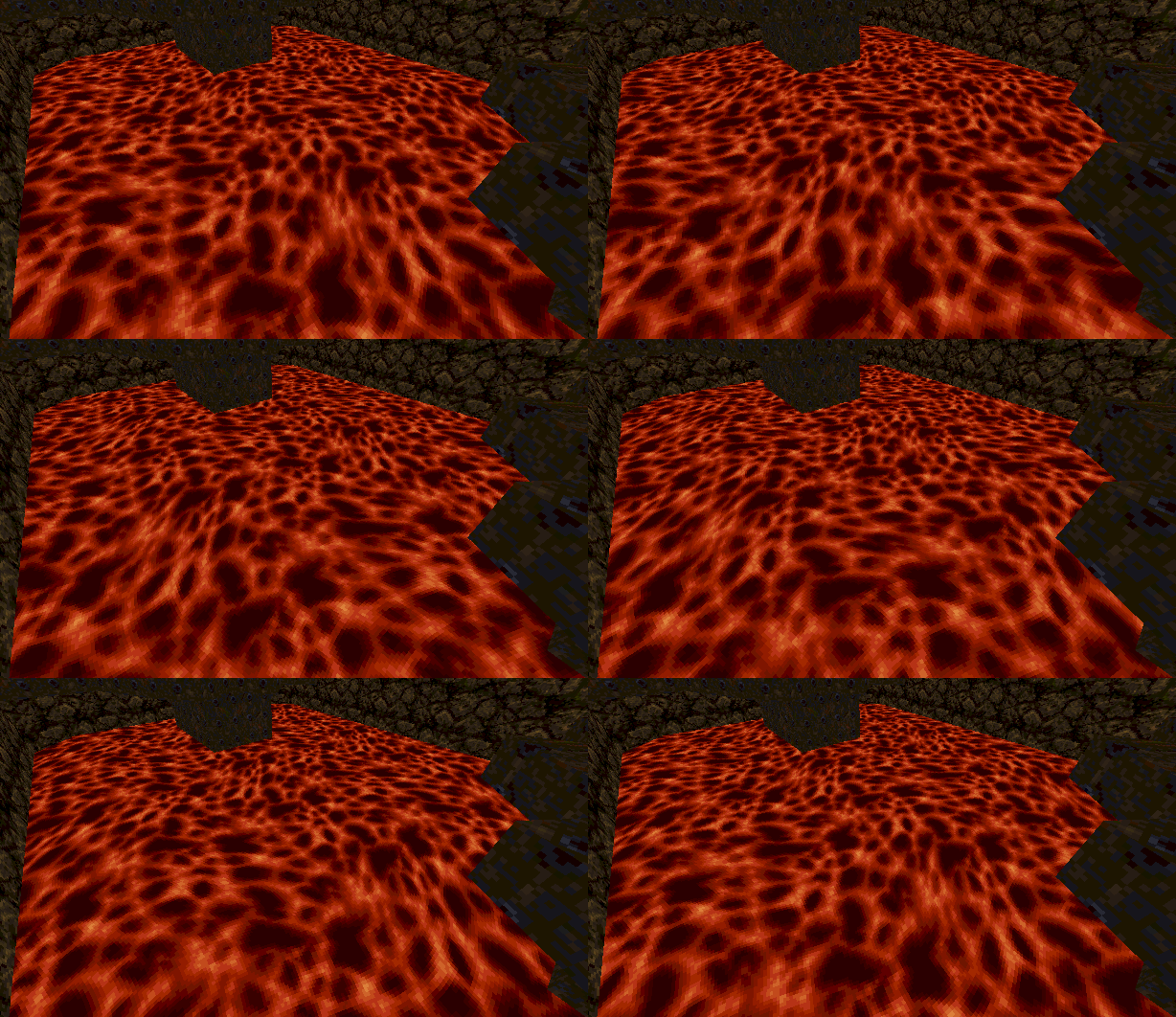 July 12, 2017 at 1:42 am #9260
Sweet!
Also, I added an extra set of texture coords to Vertex3f (now in develop branch). Still not sure how different vertex formats will work, but don’t want to let it hold up any cool stuff either.
-
AuthorPosts



You must be logged in to reply to this topic.