Forum Replies Created
-
AuthorPosts
-
Ethernaut,
I did reinstalled EMSCRIPTEN using the /Users/YourUserName/emsdk path.
I still getting the same error, my python is installed in the /usr/bin/python and I also have two other versions that came with Mac OS Sierra /usr/bin/python2.6 and /usr/bin/python2.7
This error env: python2: No such file or directory, the env is set in the mx2cc.monkey2 and it is reading the file env_macos.txt I just don’t know where the “python2” is comming from?
This is very frustrating! I have EMSCRIPTEN working on Windows and I can’t get it to work on MacOS
Mark thank you, I got the latest develop branch and now arm64 is running fine on iOS devices.
There is one thing the version still Monkey2-v1.1.02 and in TED2 when I select the Source TAB it does not display the Classes, Functions or Methods.
I believe this will be fixed in the next official release.
Thanks you codifies , besides commenting on all the Print “SDL” statements I had to rebuild all modules!
Ethernaut,
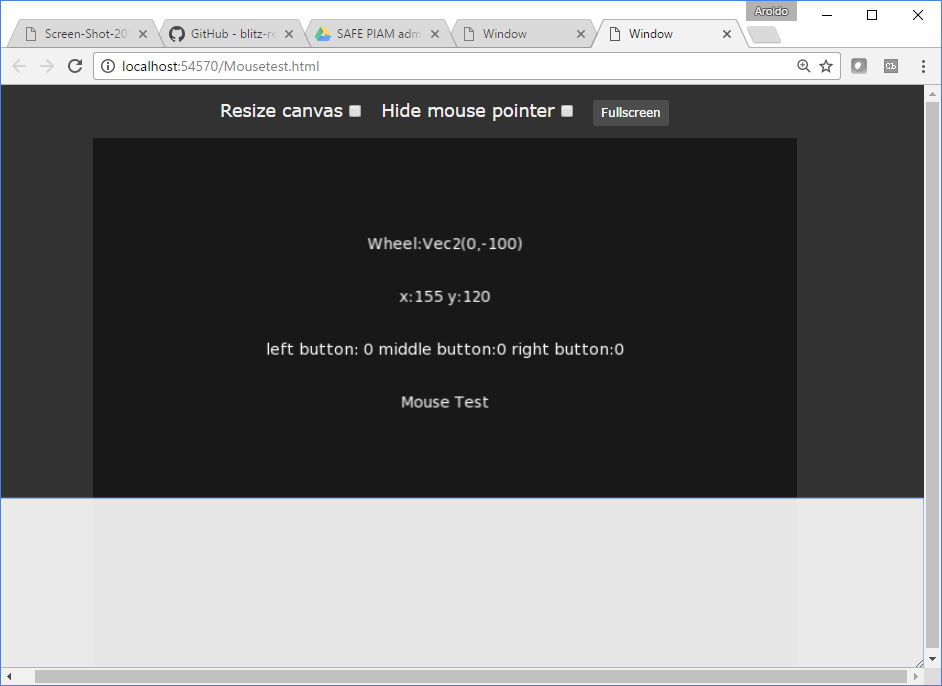
Here is the screenshot of EMSCRIPTEN running on Windows 10.
The screen that is not in full mode there are some buttons and the DEBUG window, in Full Mode only the app screen, may be you can try that mode.
I will try to do the modification in Windows that nerobot suggested.
I my self still trying to make EMSCRIPTEN work on my MAC
Attachments:
I still have this issue ” env: python2: No such file or directory”
Can somebody help me ?
Hello Mark,
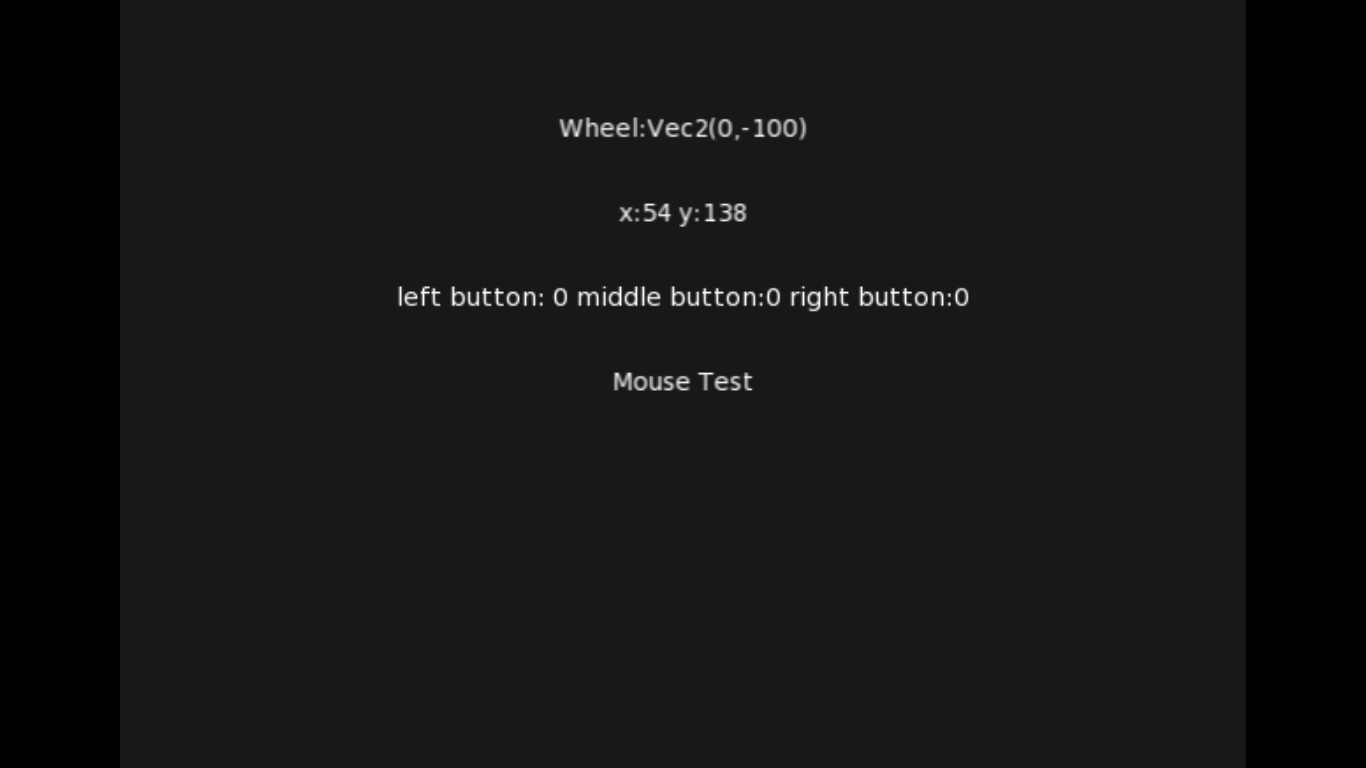
Thank you that works. Below is the updated code.
Monkey12345678910111213141516171819202122232425262728293031323334353637383940#Import "<std>"#Import "<mojo>"#Import "<mojox>"Using std..Using mojo..Using mojox..Class MyWindow Extends WindowField x:IntField y:IntField lb:Int,rb:Int, md:IntMethod OnRender( canvas:Canvas ) OverrideRequestRender()x=Mouse.Xy=Mouse.Ylb=Mouse.ButtonDown(MouseButton.Left)rb=Mouse.ButtonDown(MouseButton.Right)canvas.DrawText( "Mouse Test",Width/2,Height/2,.5,.5 )canvas.DrawText( "x:"+ x + " y:" + y,Width/2,Height*.3,.5,.5 )End' Method OnMouseEvent( event:MouseEvent ) Override' Print event.Location' EndEndFunction Main()New AppInstanceNew MyWindowApp.Run()EndMark,
Something has changed, I used the same “env_windows.txt” that I used in previous M2 versions to build.
I want to change this line #include “../../../../monkey/monkey.buildv1.1.02/emscripten_release/include/monkey_types
but I don’t know if that is correct.
Yes I did.
AdamStrange,
The files and directory structure you describe are created by Monkey 2 in order to run the specific target.
If you delete them or place them in another order the app will not run properly.
What are you trying to do? Could you be more specific?
I have Windows 10, and Monkey 2 compiles and runs fine.
I just downloaded Monkey2-v1.1.02 and touch is included in it!

I believe that Accel and Enable/Disable virtual keyboard will available soon.
Can’t wait for the iOS TARGET!
No Tony, it is missing.
The only MX2 mojo.input available are:
- Joystick
- Keyboard
- Mouse
It is missing Accel, Touch, Enable and Dissable Virtual keyboards!
Hello Tony I got it!
Here is the change I made to bin/env_windows.txt
‘Linker options
MX2_LD_OPTS_EMSCRIPTEN=-s USE_SDL=2 -s TOTAL_MEMORY=268435456 -s DISABLE_EXCEPTION_CATCHING=1
Now it works fine!
Tony
I changed the -s TOTAL_MEMORY=100663297 in the env_windows.txt located here C:\Monkey2-v1.1.01\bin\ for both for C Compiler options and C++ Compiler options, But Monkey 2 is reading it from another env_windows.txt because it gave me the same error saying the TOTAL_MEMORY=67108864.
I searched the entire C:\Monkey2-v1.1.01 directories and found only one env_windows.txt in the \bin directory.
I did Rebuild Modules and Updated Module after I edited the env_windows.txt, I got the same error.
Ok I got it, but I had to create a directory structure like in the error message
\devtools\mserver-v86c\
The version of mserver I downloaded from the link in the Ted2Go documents tab is MonkeyXFree84f and there is not devtools directory. I had to copy the mserver_winnt.exe from the \bin to C:\Monkey2-v1.1.01\devtools\mserver-v86c\
Where MK2 keeps the templates for “env_windows.txt”? I tried changing the mserver path to this MX2_MSERVER=”${MX2_HOME}\devtools\MonkeyXFree84f\bin\mserver_winnt.exe” but it still points to C:\Monkey2-v1.1.01\devtools\mserver-v86c\ so I had to create these directory C:\Monkey2-v1.1.01\devtools\mserver-v86c\ and manually copy the mserver_winnt.exe from the C:\Monkey2-v1.1.01\devtools\MonkeyXFree84f\bin to C:\Monkey2-v1.1.01\devtools\mserver-v86c\
Now emscripten is working.
-
AuthorPosts