Forum Replies Created
-
AuthorPosts
-
That was the concept.
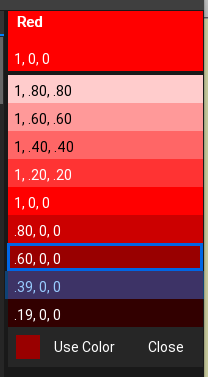
This is it half running with Red as the color. all buttons functional and correctly select the color and do the correct light and dark. The number on the swatches are the float RGB values.
The panel will appear on the right side of Ted21 and remain until dismissed (closed). It can be keyboard opened and closed as well.
Next up is the actual color list itself. shouldn’t take too long now?
After that would be a new document view:
PaletteView
A Palette will be a collection of colors. A Palette can have one color or many colors.
My aim with this will be to unify the underlying color systems. So editing the Ted21 color scheme would be a simple task of loading and editing the UI Palette. But I have feeling that Palettes could become very much more powerful with them being fed into shaders, etc. All from the comfort of the editor.
Attachments:
Great addition, but you will have to merge the two together as there are duplicates which will not compile
question
rebuildall.sh doesn’t actually rebuild all files, just the modules?
And more…
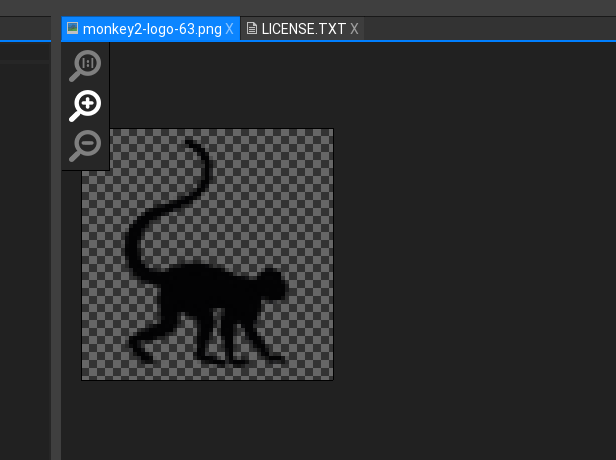
Just added the zoom buttons plus 1:1, plus click and drag
also added key0 = 1:1 key-= minify key==magnify
Buttons are flat style that light up when you hover over them
Attachments:
And now…
Document icons. Yep, open documents now support the correct icons:
Attachments:
No Problem. Posted a few omissions to the issues git.
Where would you like additions posted – also to the git?
Thanks for that

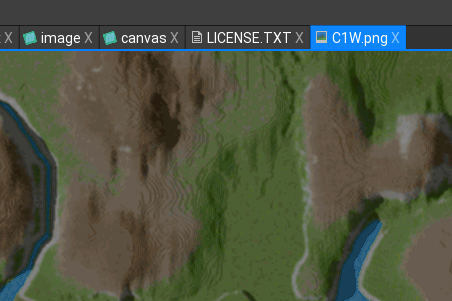
Here’s the latest. slowly turning my attention to the image browser and corrected the display so it is more in line with photoshop:
Attachments:
ok latest stuff…
Added list highlighting to the tree view. Not simple or obvious, but satisfying when it worked

Noticed something interesting with the helpview. there is missing help.
E.G.
Clicking on something generic like “Modules” or “Enums” doesn’t give any help. which is how the help is structured.
How about this. Anything Generic will bring up help about what it is?
E.G.
Clicking on help > Modules would bring up help about what a module is, how it is used, why would you use it – possibly even an example?
Clicking on Enums would give you help on what an Enum is, and how you would use it, etc, etc
This would make the help system begin to be useful
Attachments:
ok. I am happy to merge, fork, join with Simon on this.
Simon?
Currently it all resides on my end with no git or fork.
It’s up for grabs – I should add that I do have other ideas for extending the IDE (intellisense possible), but am currently focussed on just improving what Ted2 has given us
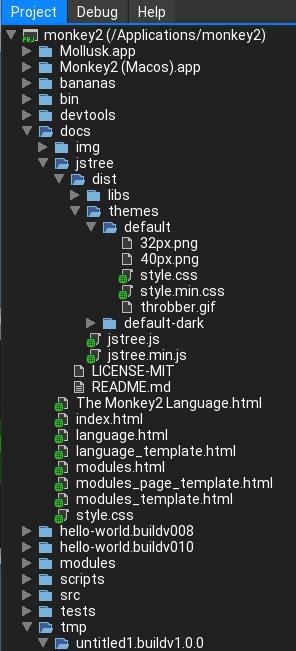
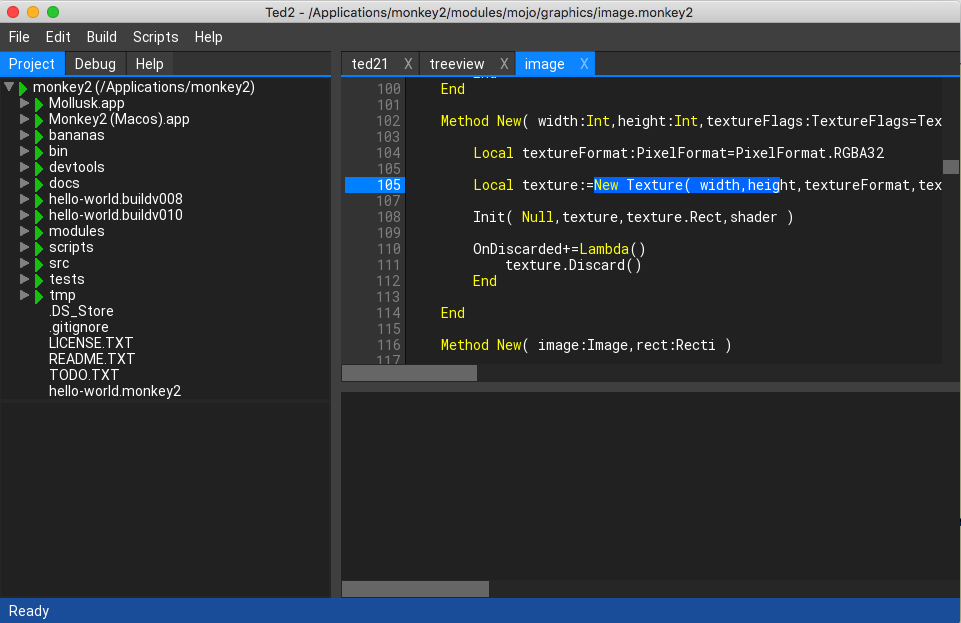
next shot is of the project/file browser showing all the new icons for miles, etc
Attachments:
I think one thing is also apparent – the help itself – I would like to redo it completely so it actually gives you help and not just descriptions of something opaque
ok, I’m back (and not from outer space)
Here is the latest:
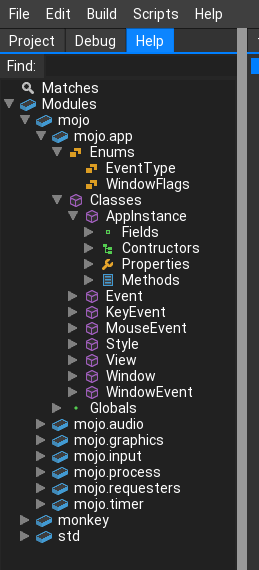
Been working on the treeview so that it now has logical icons (mainly in the help section at the moment (see shot below)
What I have done is taken a long hard look at visual studio and come up with a version of what they do. so there is now an icon for each object (enums, structs, methods, fields, etc)
There is a logic for the icons and also a logic to the colors. Green being variables, blue main structural elements, etc
What I would like to do is to firm this up and get Mark to approve?
Let me know your thoughts
Attachments:
mmm i’m in two minds over the escape key.
ESC to close dialogs and generally get out things – yep
ESC for hiding / showing. mmmm, Not sure
i’m away for a couple of day, from now – but i’ll be back…
Hi Simon,
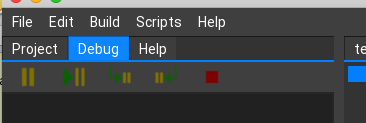
Yup, heres an in build shot showing the general visual studio look of the ui along with another showing the bigger debug icons.
You can see the new frame images being used in the tree view is being tested here with the debug icons. The code available in another post
The status bar currently only changes colour to show the status of debugging, running, compiling. It will get further functions like current line number, etc. But it does show compiling as a progress bar!
-
AuthorPosts