Forum Replies Created
-
AuthorPosts
-
brilliant

partial success with latest update cmd+q quits.
But…
menu > quit doesn’t !
I know what you’ve done Mark (track cmd + q) but this has only gone so far and not addressed the menu quit
small update to show the new popup menu for direct picking of nearest colors and tools:
Attachments:
Been making it a bit more logical to design stuff and also now support import of slices.
Slices are a way of viewing voxels as png files in slices.
here is a png of a voxel tree and the resulting import
You can see that the voxels are taken from the png and reconstructed. I’m working on the correct color import.
This also shows the new expanded UI
Attachments:
Thanks Mark
@papgar Currently it is really a viewer and editor. it would need to have a different approach for a voxel engine. but… What sort of size would you be looking at 128×128, 256×256, height32,48,64,96,128?
With a bit of ui magic we’ve now got this:
Loads magica voxel files with palettes and 8 frames of animation
the left gives the filled view
the right gives the voxel view and editor. you can edit voxel in vertical slices. here showing the highlighted slice
Attachments:
I only use 2 axis x and y. I’ve never had much call for the z axis, but can be included as needed
The code itself is not too difficult, but…
You will need the gui code and need to add some code to the std module to support new colors.
I should add that only the designer code is really useful as there is no stand-alone player.
@copper are you mac or pc?
Checking out final version:
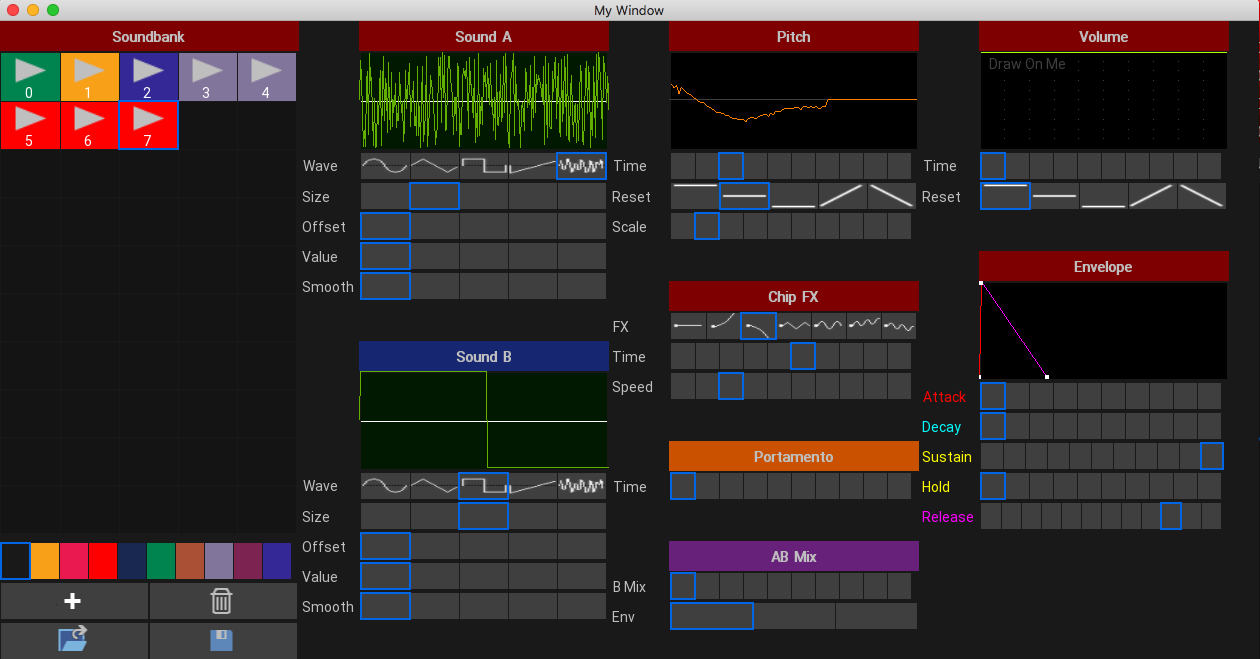
On the left is the sound bank with 8 sounds and the right are the settings.
You can see there are now 2 sounds per voice (if wanted), mixing and portamento. plus loading and saving of soundbanks
The above sounds (soundcloud) correspond to the image and the resulting sound bank is 1k
Attachments:
Quick demo of the sound bank using 4 different chip sounds
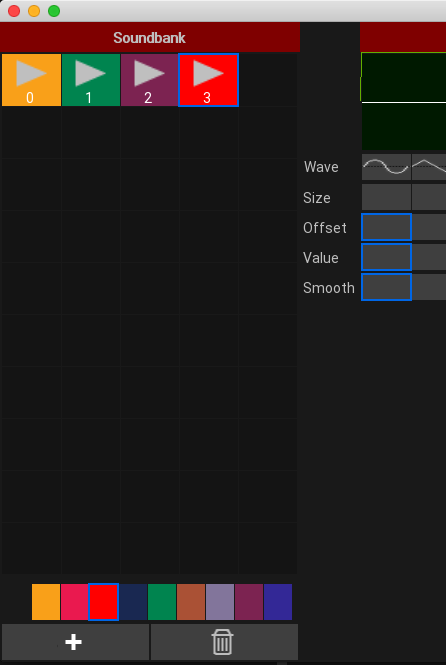
and a pic of the new sound back (50 sounds) with user defined colors
Attachments:
next step is to create a sound bank.
should perform cross platform too
Mark… Further to this:
I noticed the general rendering of mojo is opengl to a buffer then final shader to screen.
Is there a possibility of opening this shader up so added ‘screen’ shader could be created. E.G. blurs, color to mono, etc
Just a thought

no problem.
Further info is the OS X menu ‘quit’ won’t quit either
-
AuthorPosts