Forum Replies Created
-
AuthorPosts
-
I can compile for windows and macOS only here.
You will need to make additions to core mojo and std modules for anyone else to compile.
Thanks

Next up will be some selection additions and direct integration into ted21
Then maybe something map related that eats the fontsprites.
What did you think of the dynamic help?
ok, flood working correctly.
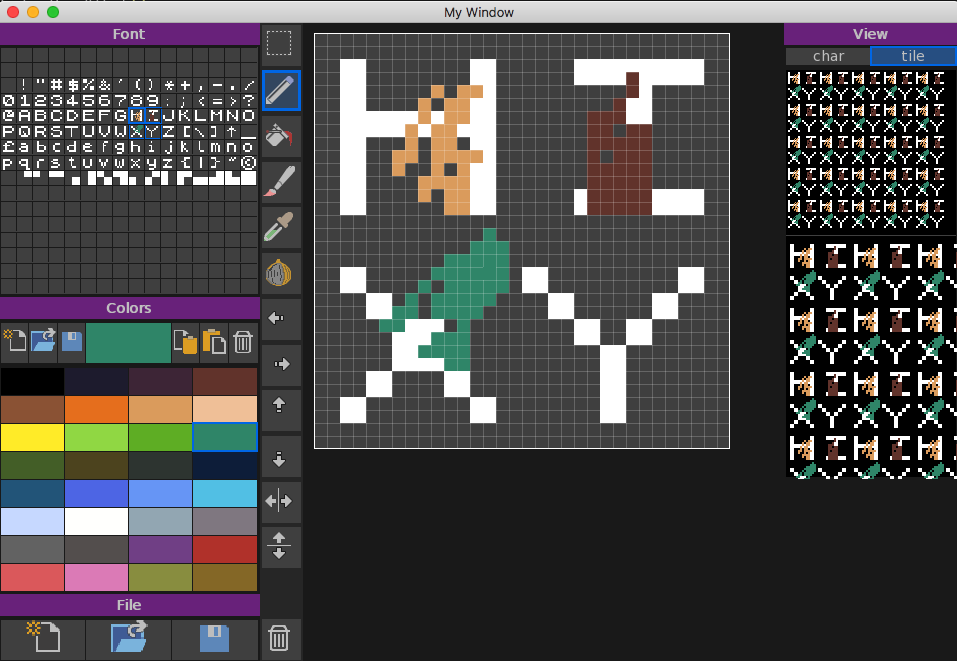
added view and view as tile
added tools: move, mirror and onion – where (once clicked) the current selection becomes a faded onion skin, allowing you to work on other sprites at the same time.
The tiling and views is great as they are all live, so changing/editing anything is immediately shown. perfect for seamless tiles.
One thing I found interesting is the multiple palettes. Used as separate apps, they work great. but when using as an integrated platform, I’ve found there needs to be a simple button to exchange visible palettes. so you can transfer one palette to another.
Next up will be the selection, different brushes, stamps, etc
Attachments:
fill, paint, brush, dropper, clear all sorted
Here’s the stand-alone version showing a single fontsprite being edited
Attachments:
Work in progress. first some background.
a (mini bitmap) font is a 16×16 grid which gives 256 characters. usually the pixel size is 256×256, but it can be different if needed or wanted. but most screen fonts are 8×8 or 16×16.
So we need a 16×16 grid basis – check.
Screen fonts are usually png or gif files with transparent and white for the font pixels as this is the most flexible. but as they are going to be png then we can use lots of colors. and use the characters as sprites if wanted. this is how the old 8bit and 16 bit systems handled things
but looking at pico8, there is also the option of using multiple characters for ‘bigger’ ones. so we need to have that sort of function too.
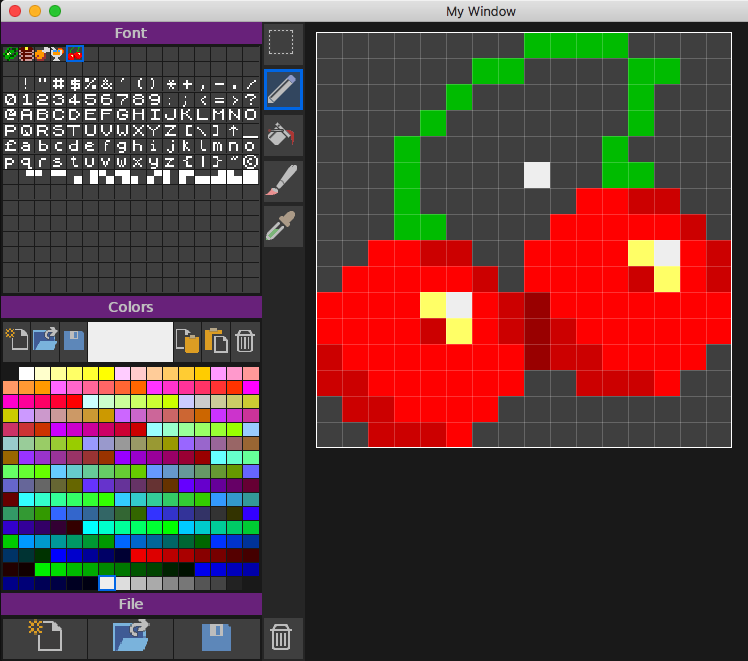
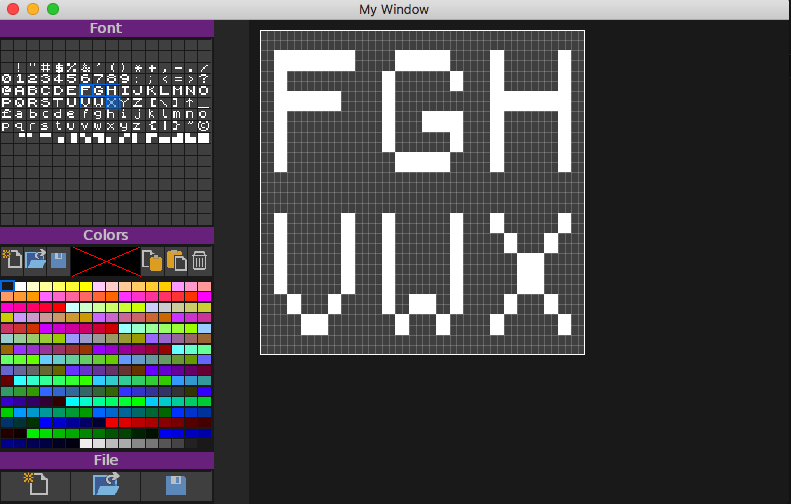
the first pic shows the character image at the top with the color palette below and the current selected character
the second pic is the same but with multiple characters selected
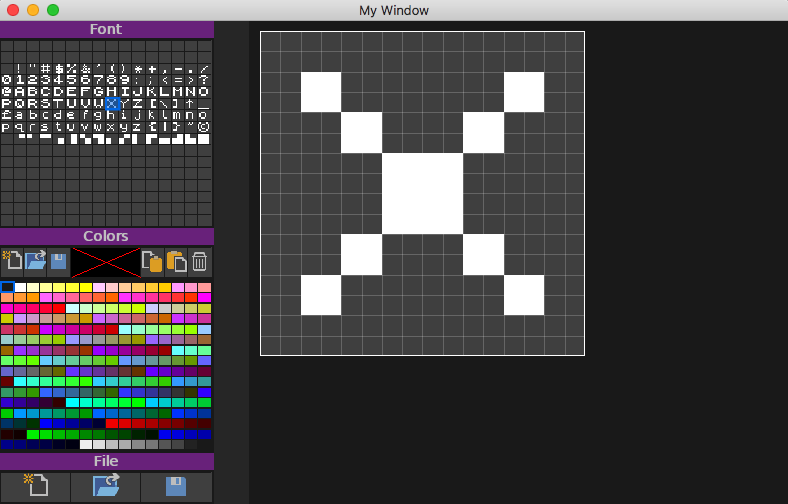
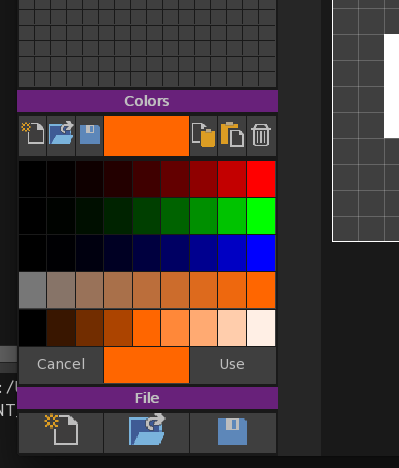
color 0 is blank/transparent. when the actual color is clicked then you get a quick color editor (as shown in the third pic). its a basic rgb with saturation and light and allows for quick editing. There is the ability to load and save different palettes. Once merged into ted21 you will also have the 2 color palettes to pick colors from.
It’s a very simple concept, but can be used as a direct sprite editor for small sprites or even bigger ones as well as fonts.
And if you’re wondering about file sizes. a complete screen font of 256 characters with rgb color is 2k!
next up is magnification and actual editing controls plus display. all pretty simple stuff
Attachments:
next up is font/sprite editor
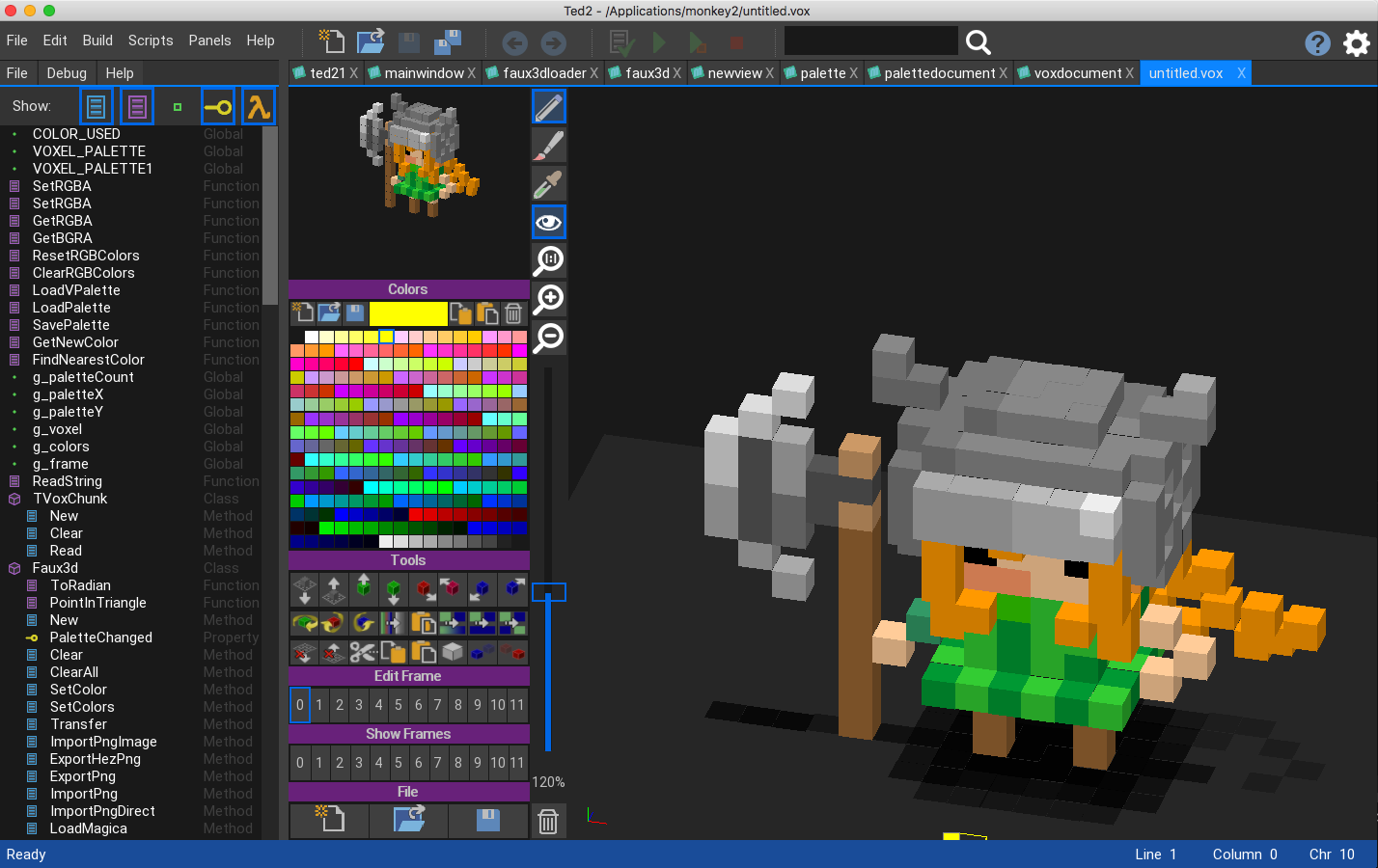
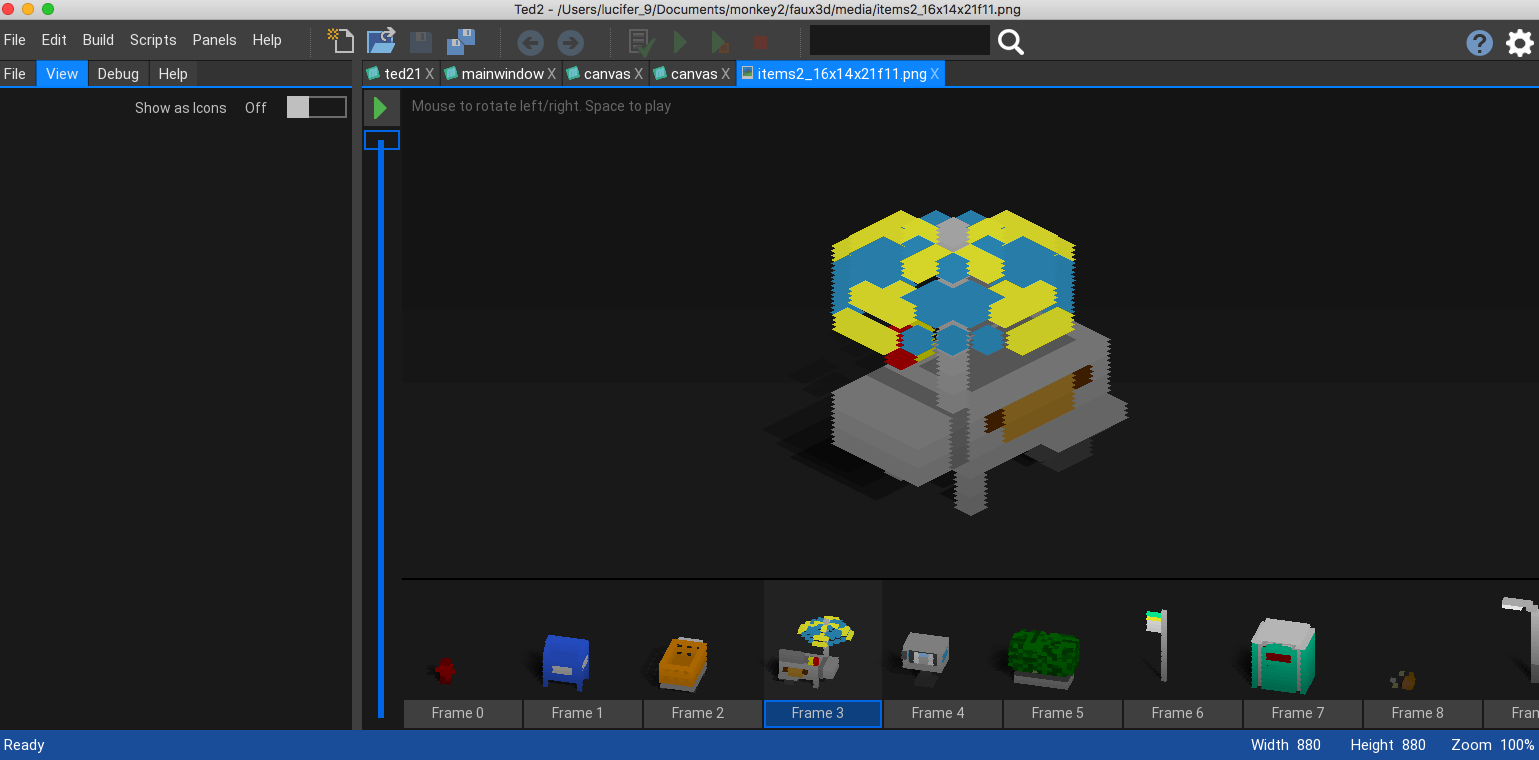
Also added .vox support and new vox image slice support. image slices are created from voxels and saved as tiny png files.
The images show voxel editing (and palette – see above) with the default .vox palette.
.vox are created by the magic voxel editor. But you can create voxels with this editor too
Image slices can be seen if you look really closely. I’ve also been optimising the backend so everything is pre-calculated giving a speed boost
yep. it was forked from the V1.02 Monkey2 version. The one before Mark changed all the mojox stuff into a module.
I can only compile it under 1.02, but is a complete ted2 replacement in ALL other versions. But… To fully operate you will need to have a number of changes made to the mojo module and std module to support all the new functions.
nope. definitely not using @
mmmm. definitely yes IF it was made with vanilla monkey2 – Monkey2 that had no changes to the core modules/compiler
If there were changes to the core, then I would have thought No, as monkey2 needed changes, so it couldn’t really be made with monkey2
Just a thought
@degac – Thanks for that one. deleted and new zip upped and checked. so should work now
It’s been a bit of a ride trying to get it compiled and zipped etc on windows, so I was expecting something to go wrong somewhere
throwing something in the ring here:
As we now have the complete source (that isn’t a dratted monkey module). it would be possible to reverse engineer the xml player and write a soundtracker.
quickly looking at the source there is base support for 2-pole filter, reverb and chorus
It also says that there is no restriction on number of playable voices. so in theory we could have unlimited voices playing at once, which is similar to how blitzmax operated.
Now. Given all of this. it would (in theory) be possible to create a very flexible cross-platform synth/sampler with all features you would expect?
Brilliant work

these are colors for code highlighting:
<clip>
LOLso… why doesn’t the code reference the actual use and not color0, etc.
For the end user, editing a non-sensical document full of color0, etc makes no sense.
you could go further with the color definitions themselves:
E.G.
“#ff0000” and why not “Red”. why in “” and why if defining it as a UInt it is $ff0000ff. or as Color(1.0,0,0). There is no connection with any of it!
</div>
My solution was to have a unified set of colors, that are named and shown. so you know what they are in both words and a visual color picker.E.G.
canvas.Color = Color.PicoBlack
or pop out the color picker and pick the color “PicoBlack”, or pick that sort of black color you like.
The color picker also shows what the rgb values are in floats.
Be very carful with having any sort of floating dialog – they get in the way
etc, etc
</div>
In my opinion The above is everything wrong with themes! There. I’ve said it!
22 colors, most not human readable/understandable – what does textview-color0 do? anyone?
Don’t get me started on using a readable scheme that allows for ANY text, no checking, no help, no advice about any of the settings. This is everything a bad program should be.
</rant mode off>
Now. here is how it should be done:
- internally it can be anything in any form.
- externally, if it is color related then it should be done with colors
- there should be some form of internal color base to work from. saying SetRGB( xxx,yyy,xxdx,ggg) is not a solution, it is a hinderance. How about an actual color picker that is directly linked to the internal base color system?
- If it is changing UI, then present the UI. And then SHOW what the result would be. that would mean coding a proper GUI to handle all of this with inbuilt global color systems
OK, below is at least a good example of an editor with a user editable color scheme, and also a demo color picker.
Lastly. I have all the code for internal color pickers, and a lot more if you would like this to be folded into ted2go?
-
AuthorPosts