
Forum Replies Created
-
AuthorPosts
-
@adamstrange MY code that i included runs without a single problem.
Let me explain like this.
Suppose one can have 20 fullscreen layers of tiles/sprites moving smoothly. It’s a lot of things going on but it’ll work, but never ever touch that mouse or touchscreen.Now say that want to have enough “power” to be able to move the mouse.
This means you can’t have 20 layers anymore. How many CAN you have? How much do you need to sacrifice?
Can you have 19 layers? No, you need to cut it down to more like 1-5 layers just to be certain (and probably still some twitches will find their way through but it’ll be okay:ish let’s say we settle for that). Most users won’t notice or at least they won’t have the strength to complain.
But it shows how much you need to sacrifice in power, just to have the headroom to “hide” any slowdowns that the mouse and kbd may induce. This is a really good example in that it’s not about stressing the true computer power to its limits. It’s stressed bc of something else.
There’s a lot of power sucking going on here. We needed to down from 20 possible layer (actually maybe we could use 32 layers but that IS stressing the computer so we’re taking it easy with 16-20 layers, and that’s plenty). But we needed to decrease that into 2-5 layers to afford e.g. mouse movement.
So It takes more power to accept events e.g. a simple movement of the mouse, than it takes to draw say 20 fullscreens of tiles/ sprites. It’s not reasonable.
I’ve seen this happen with some Windows systems but with Apple they seem to happen all the time.
The only time you don’t see it is when you have x1000 power than you actually need. I always develop on at least ONE slow machine just because of this fact. It’s good to see what really happens.You need to overdo it to make it visible, and remember it’s not stressing the computer. This happens well before truly stressing it.
Yes I’m partly stressing the computer, you can see that on my comment on that you should stress it reasonable to see this particularly good. But you DON’T STRESS it more you always leave at least ONE full framebuffer of computing power, so without any mouse movement. It won’t be any stutter, this is important . It’s not stutter DUE to enormous stress but to bad code underneath, i’m trying to find out what.
Also important is that not all events seem alike for example the mousewheel and the buttons does not affect anything but moving the actual mouse (and to some extent pressing any keys on the keyboard) does heavily affect performance.
I’ve been struggling for some time now without getting any support on
how to get a simple, smooth and reliabley working base code.I actually get stutter on your code when I move the mouse on that simple example aswell.
Because of how all this works underneath it might even have micro stuttering when not moving it, but it’s hardly visible at all except that you get the feeling that it’s not perfectly solid all the time even if it’s smooth.Maybe I havn’t explained myself well enough or you didn’t get the idea of what I want. Maybe you’re just looking for something completely different than me. The idea is this; I want truly smooth graphics instead of the smooth:ish graphics that you seem to settle for. To you it might seem like a stupid idea but believe me; it’s not.
Sure. Let’s see I can use the same simple example as I’ve used the last few months as it’s a good one.
I Include it.
I’m mainly trying to use Apple products, currently I’m using:
– A couple of iMac’s 3.06Ghz / 4GB DDR3, and one with 8Gb, both running High Sierra (10.13.2). These are Up-to-date in everything macOS, Xcode, drivers etc. Running Monkey2 non-dev version 1.1.08 on these two.
On this one Monkey1 version of this code is performing no better than Monkey2. Both are equal.– A stock 8Gb Macbook Air, with 8GB with Sierra (10.12) Here I use Monkey 1.1.07, also non-dev.
On this one Monkey1 code works perfectly. (I don’t include the Monkey1 source here (it’s in another thread If someone really wants to see the difference).Mouse events especially disturbs everything on both Monkeys and it’s VERY visible.
Even just leaving the screen by itself in Monkey2 creates visible disturbances, but moving the mouse adds a lot more.* Note : before running the code make sure that you change the resolution to your native one.
I didn’t make it automatic but it really needs to be native and non-stretched to make it into a fair test.Attachments:
I can relate this problem as a really REALLY REALLY bad IRQ handler. The IRQ’s actually being OS events in this case and not actual hardware interrupts.
I don’t see any documentation about where this polling of events takes place I think actually it’s polling that’s going on a thread or something similar on because interrupts are not supposed to eat power, of course.
So something similar to threads are actually affecting each other, one of the affected ones are handling the screen buffer.
No it didn’t work, using the template for some code they all still jitter when you move the mouse over the app or hit the kbd.
I’m confused about how to ignore UI events?
The class of windows needed an empty new() method, now I got a window !
 Monkey123456789101112131415161718192021222324252627282930313233343536373839' A Mojo App has a window. Mojo has all the commands and logic to deal with windows' Namespace is what we call the app.' Other files with the same namespace will behave as if they are a single unified fileNamespace myMojoApp' import std and mojo to provide basic monkey commands and window extensions#Import "<std>"#Import "<mojo>"' Using allows us to reference commands in std and mojo without std. or mojo. prefixesUsing std..Using mojo..' We now need a Main function to call. Every app needs a Main()' Here you can see we are using an extended Window Class (MyWindow))Function Main()New AppInstanceNew MyWindowApp.Run()End' Here we have the class that deals with the window, drawing, etcClass MyWindow Extends WindowMethod New()End' We are Using all the Default stuff in Window, but doing our own drawing, so override OnRender()Method OnRender( canvas:Canvas ) Overridecanvas.DrawText( "Hello World",Width/2,Height/2,.5,.5 )EndEnd
Thanks, okay. I never used onMouseEvent and OnKeyEvent so that was kind of a surprise I thought that was whole idea to be able to get rid of the events and to catch them EARLY, and just throw them away.
That example never show any window at all?
But you need to use OpenGL in Bmax for it to work, so my next thought was to do the exact same in Monkey2 and hope that they use similar routines but no luck, there’s too much differences in structure of course.
But OpenGL *can* be used in Windows & macOS in such a way, that it introduces NO JITTER. That’s important piece of knowledge. Even HighSierra. The simple fact that it’s even possible is an enormous motivation to try to get there, and to bring it inside a strong language such as Monkey2.
I will try to learn the inside of Monkey2 now, while doing the Pi platform module. This will take time haha.
But I don’t care. I want this.I see thanks, maybe if it’s dead I might create a new one. I was anyway about to create a simple ARM (dis)assembler and a few other ARM tools.
That is a slow way to access pixel, what stops you from just using texture via canvas and draw it permanently onto that like this?
Monkey1234567891011121314151617181920212223242526272829303132333435363738394041424344454647484950#Import "<std>"#Import "<mojo>"#Import "assets/"Using std..Using mojo..Class MyWindow Extends WindowField canvasDraw:CanvasField canvasImage:ImageField x:IntField xd:Int = 10Method New()Super.New("", 800, 600)canvasImage = New Image(512, 512, PixelFormat.RGBA8, TextureFlags.Dynamic)canvasDraw = New Canvas(canvasImage)Local loadedImage := Image.Load("asset::picture.jpg")canvasDraw.DrawImage(loadedImage, 0, 0)canvasDraw.Flush()EndMethod OnRender(canvas:Canvas) OverrideApp.RequestRender()If (Mouse.ButtonDown(MouseButton.Left))For Local i := 0 To 10000canvasDraw.DrawRect(Int(Rnd(0,511)),Int(Rnd(0,511)),1,1) ' Plot a single pixel' pix := canvasDraw.CopyPixmap(canvasDraw.Viewport)' pix.GetPixel(imgRndX, imgRndY)' pix.SetPixel(imgRndX, imgRndY, color)' canvasImage.Texture.SetPixel(p, imgRndX, imgRndY)' canvasImage.Texture.PastePixmap(pix, 0, 0)NextcanvasDraw.Flush()Endcanvas.DrawImage(canvasImage, x, 0)x=x+xdIf xd > 0 And x >= (800-512) Then xd = -xdIf xd < 0 And x <= (0) Then xd = -xdEndEndFunction Main()New AppInstanceNew MyWindowApp.Run()EndAm also bit late, I came from Ethiopia recently and was SOO longing for some snow and Christmas and some new years eve !!
and xmas lights but there was nothing here this year

Bringing some !!!!
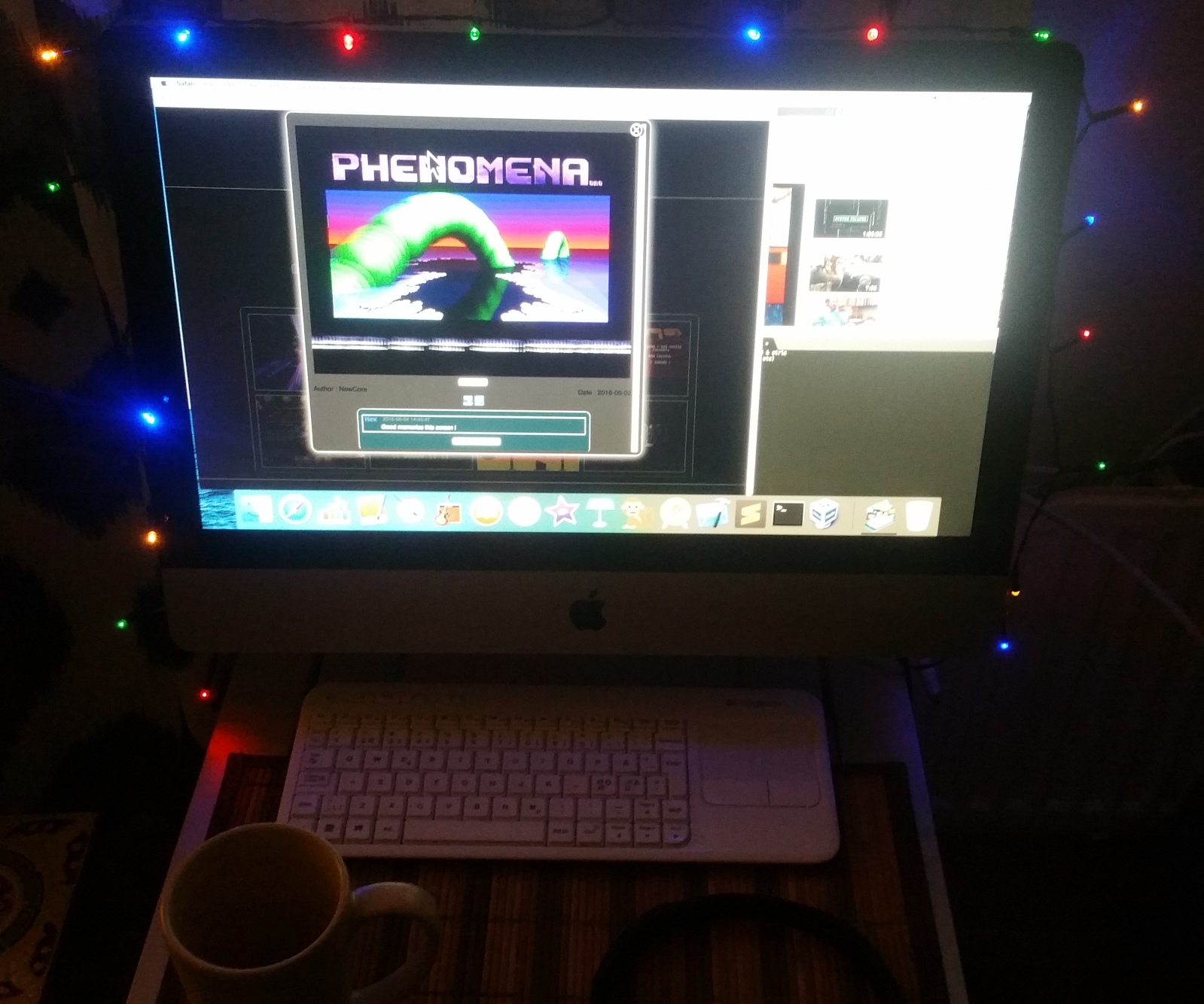
Happy new year to everyone. It will be a good year for us and for all our dreams !!
I wish there could be a “Blitzmode” available, as there were in BlitzBASIC I (as well as II).
I’m well knowing that platforms such as iOS, Android, Windows, macOS etc would never support such a thing. It’s a pity because sometime realtime and media quality is what you want from your devices.Okay. How about the performances on iOS devices? Do they also differ or do they have a consistent fps quality with M2?
-
AuthorPosts