Forum Replies Created
-
AuthorPosts
-
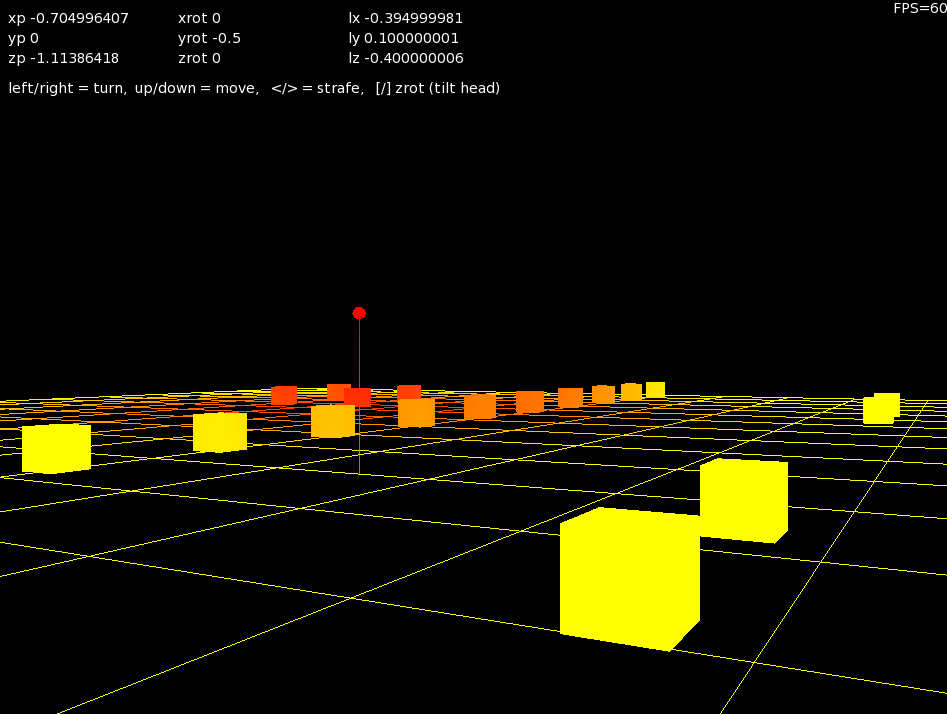
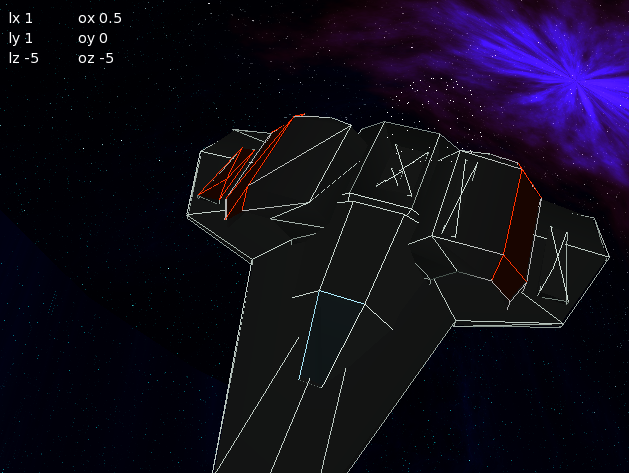
I’m working on basic lighting with model and view systems.
Here’s the result showing red where the light is hot
Attachments:
image.Texture.Flags|=TextureFlags.WrapST ‘enable texture coordinate wrapping.
image.Texture.Flags&=~TextureFlags.FIlterMipmap ‘disable filtering/mipmapping.
it’s a bit messy
why not use your own system and wrap them up nicely in a property, E.G.
image.Texture.TextureFilter = true/false
image.Texture.WrapST = true/false
This would make it a much more friendly approach
why not have both?
I’t sonly been tested on the current release 1.14 i think?
so if it’s part of the develop branch it will probably fail dramatically as Mark rewrites the core (again)
I’m using this:
‘need this for pixels and not smoothed
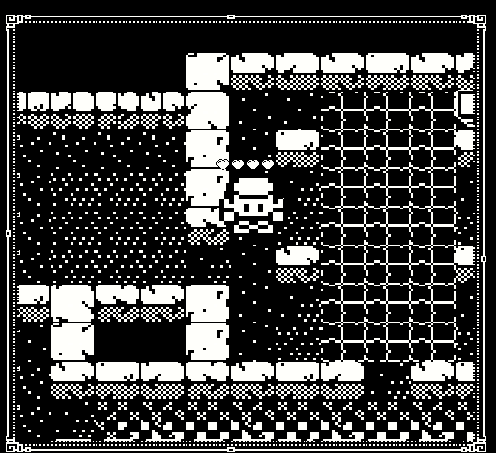
canvas.TextureFilteringEnabled = falseIt gives pixel graphics that have not been smoothed. so I can use (say a 16×16) graphic without it looking like crap at bigger resolutions.
Also great for making games that want low res graphics for example:
Attachments:
mmmm, your using a ‘global’ field pixmap and then creating in OnRender
when you declare the initial pixmap, create it there too
<span class=”crayon-r”>Field</span> <span class=”crayon-v”>myPixmap</span><span class=”crayon-o”>:</span><span class=”crayon-e”>Pixmap = new Pixmap(32,32)</span>
each time you render you are creating a ‘new’ image. this is probably where the leak is occurring as you are assuming that creating a new image deletes the old one?
Make sure all old images are released first
yes
ok. here’s a download with the first 3d render system including shaders
ok, think i’ve solved it….
in the method Bind( projMatrix:Matrix )
Add the following two lines to the head of the method:
glDeleteBuffers(1, Varptr vbo)
glDeleteBuffers(1, Varptr ebo)in essence, there was some form of incremental leak, or allocation that needed to be cleared first.
Mark, if you have any other suggestions, then please feel free to help

Good idea.
Mark (and anyone else)
Here’s the offending file (second.monkey2). just run a few time with different lengths of time run.
On quit – the time increases
Attachments:
I definitely agree about the final binary size. and compile time could be much better if possible.
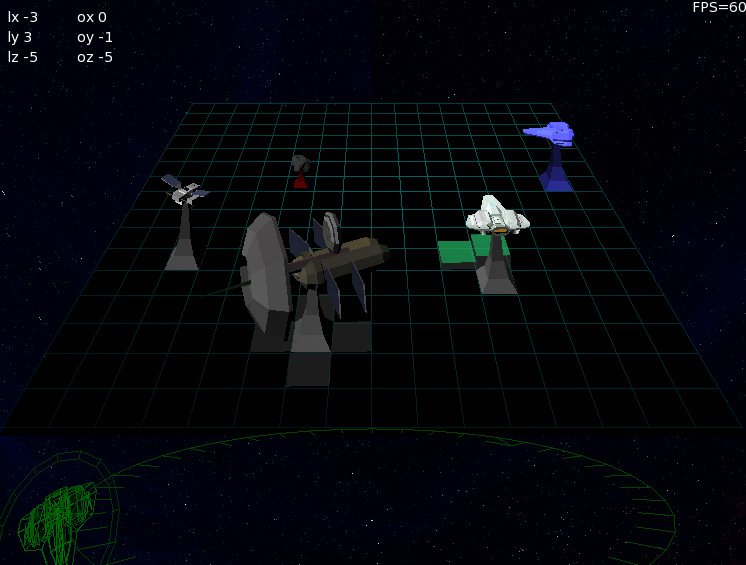
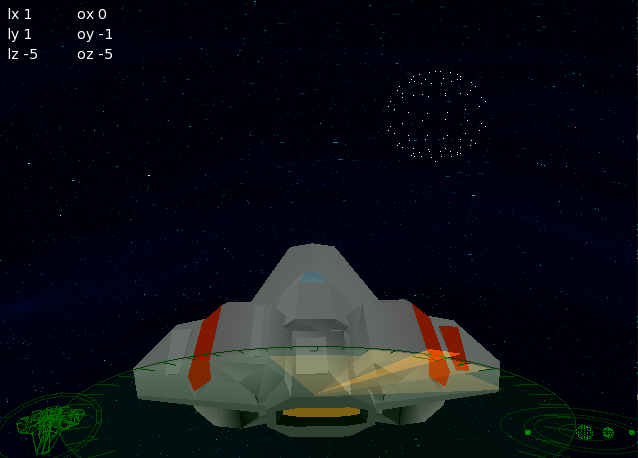
couple more shots of shader development
shows 3 models:
ship
galaxy – which is a special uv mapped sphere
planet – another sphere
excellent, at least we’re getting somewhere.
sounds like there is a problem with the setup file. have a look inside the app/contents/resources and rename rameses.ini that should force a rebuild of the settings file
I’m running the same here. I’ll get a new version up. Now at V1.45
https://adamstrange.itch.io/rameses
@edzup. I thought it was going to be a monster, but it wasn’t too bad. I used the base code here:
http://monkey2.monkey-x.com/forums/topic/help-with-opengl/
Which gives the very basic cube from vertex object plus a basic shader.
Once it was all working correctly I then started on the import and shaders.
-
AuthorPosts