Forum Replies Created
-
AuthorPosts
-
Github updated
new right code overview added with mouse support
project refresh added
help system now in main page with updated style
cursor and invisibles added to find menu
some crash fixes
Attachments:
@gcmartin Github updated with new ted21 with this function for you
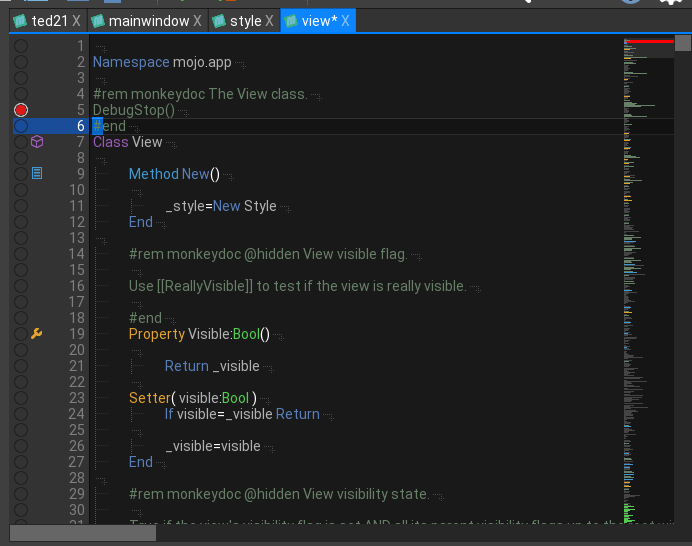
Also new code overview now show debug, remarks and is mouse aware
Attachments:
No Probs Mark

In my continued campaign to rid Ted21 of those nasty dialogs;
The html help is starting to take shape with the first steps to a new welcome screen:
All still experimental, but now I can refocus things better
YAY!Attachments:
ok, been working on the help and got it functional, but not allowing copying of text. that seems to be related to the litehtml viewer. I’ll get that working soonish.
New right code overview – this is basically an overlay into the text showing the basic text layout.
Code lines are grey with important code lines (the ones hi lighted in the code view) are coloured the same colors as the code view.
Nice thing is it is FAAAAAST. It uses the same (dirty) way of keeping track of where you are. There is a line buffer with the eol, code icon, etc. It’s very simple just to peek into this…
mmm, I’ve found one thing that is fascinating.
The internal html viewer gives a completely different version than the one that safari does, so if it looks good on one, it won’t on the other and vice versa.
I have a feeling I will completely drop offline doc viewing and integrate everything into a controllable system
mmm, In concept yes. I practice I will get to it in time

Ted21 is very OS X aware and will use the OS X Command key instead of Ctrl key.
But I can certainly add Ctrl+b for debug build
the default for build is F5 and F6 – this comes from ted2 but I can change it?
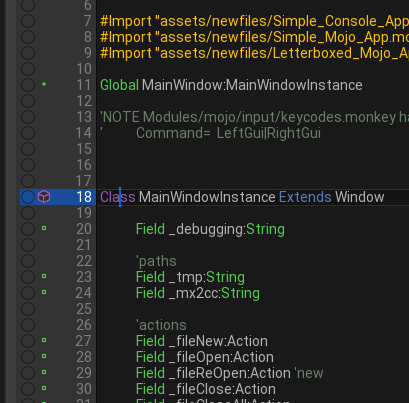
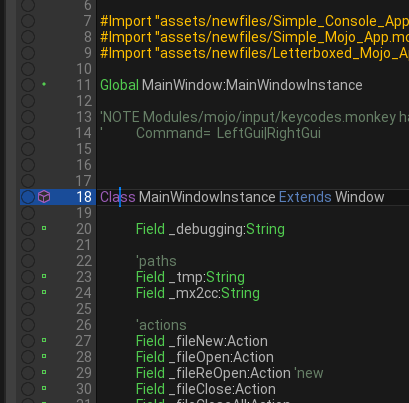
gitgub updated with new show tabs and big cursor in menu with hotkeys
Attachments:
added tab/return hide and show big cursor to menu with hotkeys
git updated
Attachments:
Mark, have you thought about a page system and designer?
E.G.
For any app or game, you are dealing with a series of pages (a page being a single entire window view)
in a game pages would be something like: MainPage, OptionsPage, SubOptionsPage, GameStartPage, GameRunPage, PagePausePage, GameDiePage
In (lets say a very simple text editor with no toolbars, etc) MainPage possible FindPage and PrefsPage
An app page would be much more complex because they would have lots of components (text, buttons, etc)
a game page would generally not contain many components, a menu page some components, etc
The designer would be the visual drag/drop designer to make a page. Drag a button onto the page, give it some text, look, position, etc. save the resulting page as a file
load the resulting page definition and let the user connect it all up (wire)?
currently there are no options – they are in the code, but there is no preferences yet. I’m working on a way to show everything is a clear way
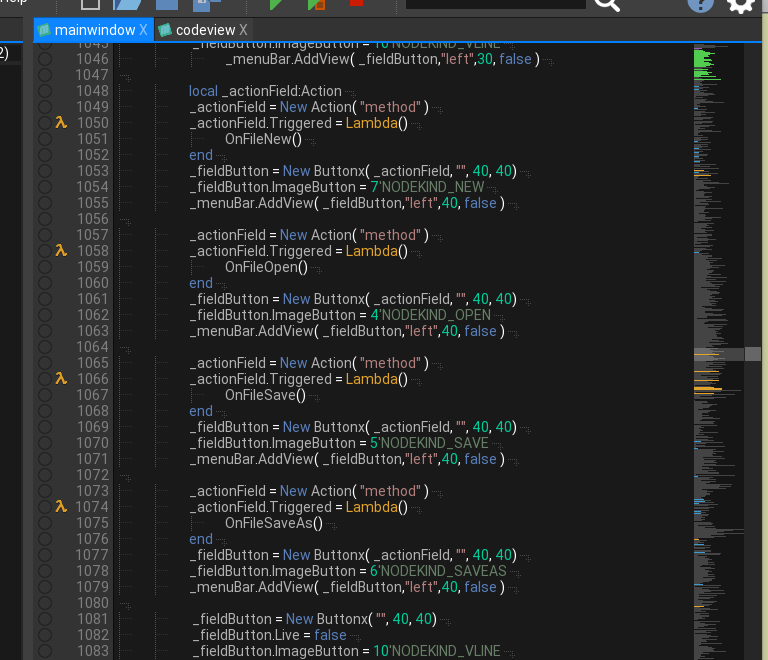
Git updated with minor code view changes/colors/cmd+up down/ new toolbar graphics
no problem, What I have done is put some extra code so that windows works slightly differently from OS X in the way you suggested. It will be in the next git update – stay tuned
-
AuthorPosts