Forum Replies Created
-
AuthorPosts
-
Not for mobile devices.
I suppose. But to be honest the website is aimed at PC gamers. The .wasm file is about 2.9MB and the .data file is 3.1MB. What would increase app load times is to lighten the .data payload via the use of HttpRequst. So far, I’ve not been able to get it to work in Emscripten. Maybe someone here has?
The other cool thing to get going would be theorplayer with Emscripten. Now that Monkey2 is starting to thread this may be possible.
I think I can pull this off give the above.

therevills,
I think thats pretty good as some of that time is probably initialization on Emscriptens part. The actual data total thats downloaded is 6.7MB.
Did you see your starfield effect.

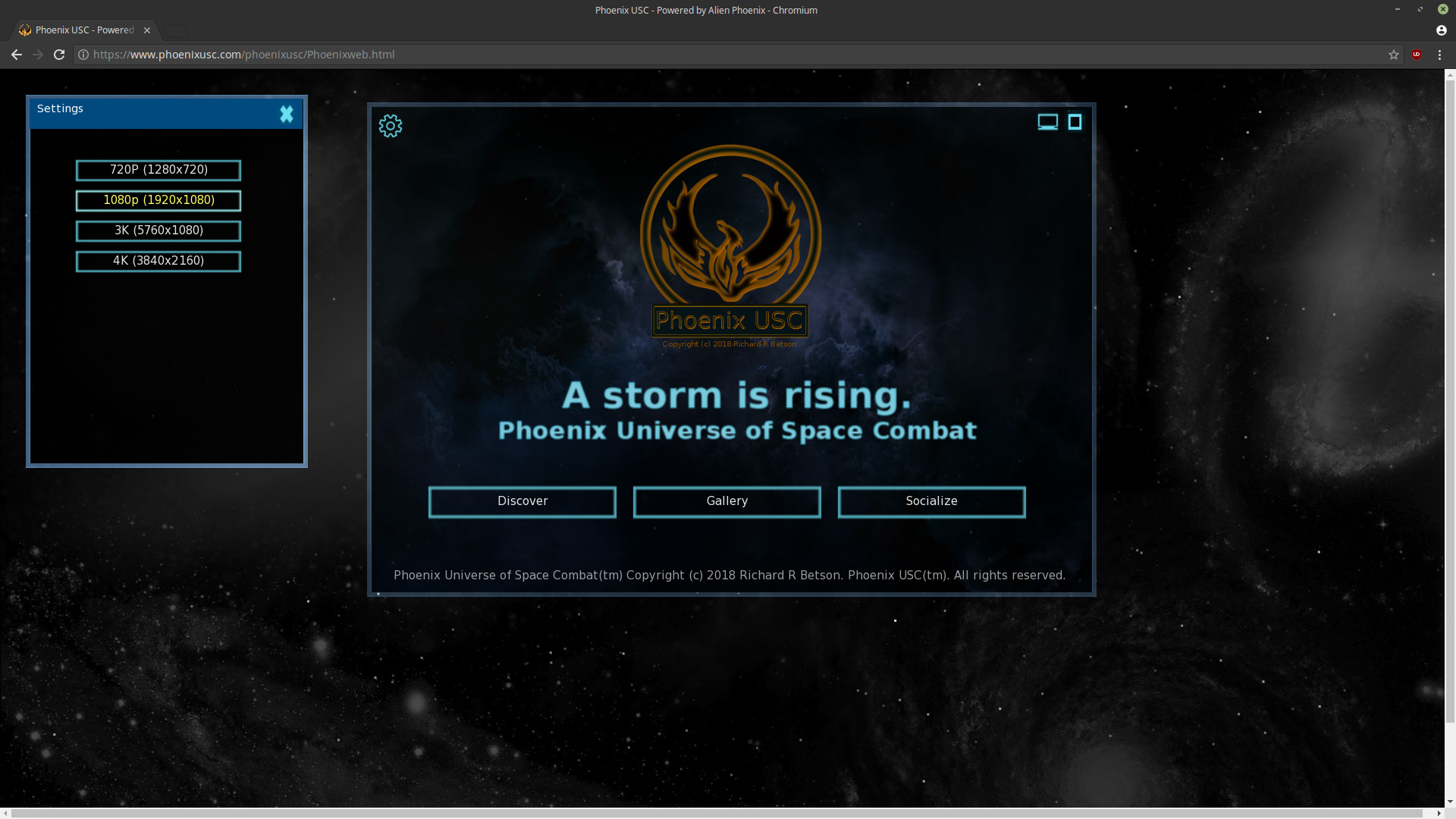
I removed the header bar and added a settings icon to the main window (brings up resolution selection). Added a title bar to settings.
*** Important *** Do a shift+reload button on your browser if you have previously visited the site. Especially if it gives an error. It should work fine after that.
.I was hoping someone else had made a site with Monkey. I’m surprised no one has tried this. Fun!
Attachments:
I have updated the site and added a resolution selection window. Now you can go from 720p to 4K resolutions. All very experimental. Image below is the site at 3K.
http://www.phoenixusc.com*** Important *** Do a shift+reload button on your browser if you have previously visited the site. Especially if it gives an error. It should work fine after that.
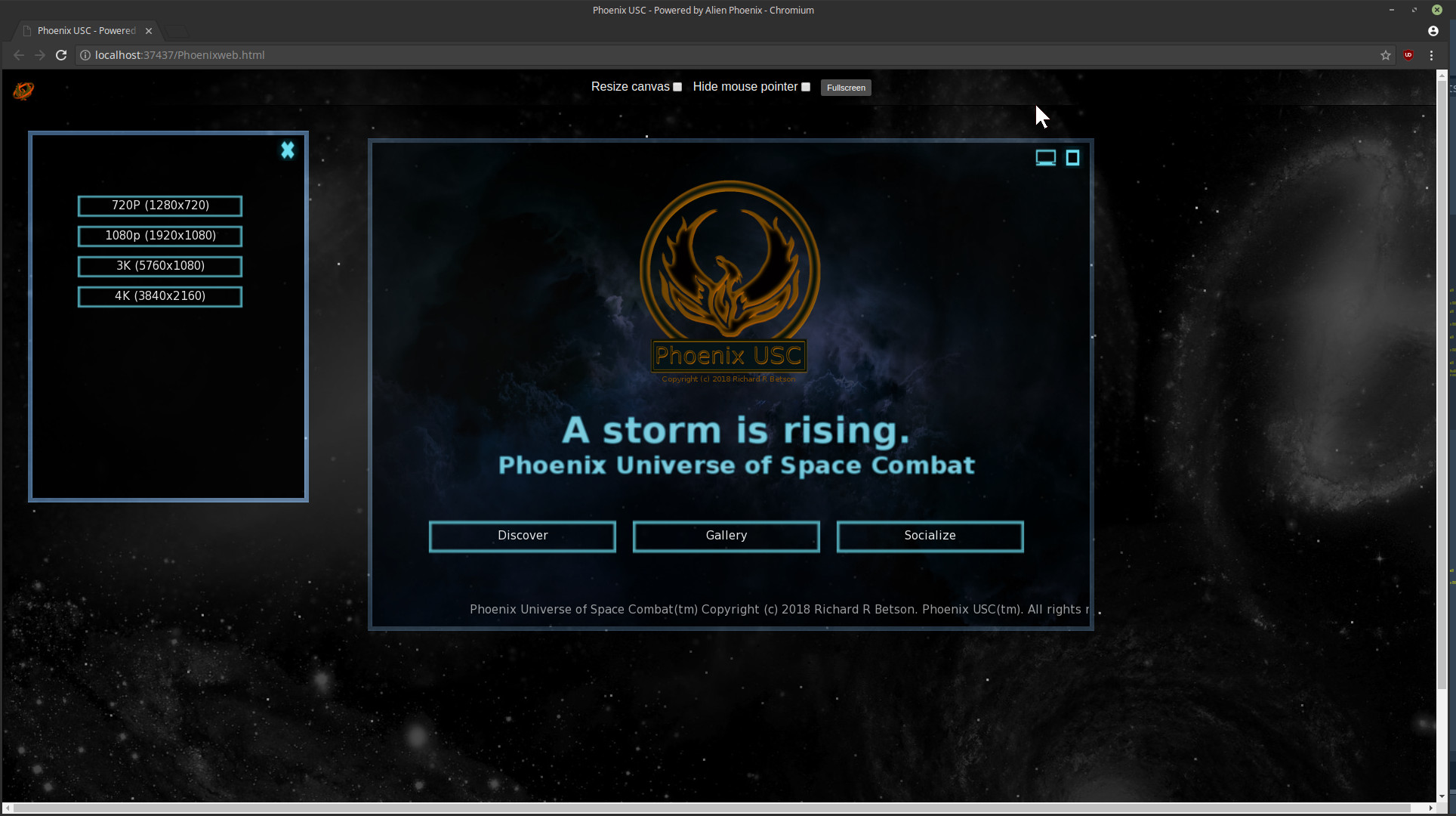
.Any chance you can remove the top bar with the Resize canvas / Hide mouse pointer?
I can. I’ll see how it does with just F11 (fullscreen) in the browser.
I would also have a lowband page too
It only takes about 15 seconds here on my 3Mb connection, then about 7 or so seconds to run (on a first time download). Try a shift+reload button and see how long it takes to get the data, then how long it takes to run after it’s downloaded.

Once it’s cached though it loads almost instantly.
Attachments:
I think I have a solution. I have added a resolution selection window. It will allow will allow 720p on upto 4K. I have to fix a bug in my GUI but I should get this working today. But it seems to work.
Attachments:
Try fullscreen (using the button and resize checked). No matter what I try I cant seem to get the 1080p view to resize to a smaller size within the browser.
Are in 720p natively?
I think I can do my whole website using Monkey2 and Alien Phoenix.
Attachments:
I have been reworking the Phoenix USC website which now uses a Monkey2 app to drive the site. It uses Alien Phoenix and Emscripten and features a window based GUI and a real-time stanfield effect (thank you therevills). It’s experimental but will probably be the only window based GUI website out there.
Phoenix USC website: http://phoenixusc.com/
Attachments:
Checkout Alien Phoenix, Monkey2 and Emscripten powering Phoenix USC at a 3K resolution (5760×1080) at 60fps on the Chromium web browser. That’s a lighted, twitch style action game running at 60fps in a web browser at 3K, in a local GUI window and on Linux Mint. That’s pretty good efficiency and performance.
Attachments:
I have improved the space background in this wide-screen image. Before I was stretching the background, now it’s in full detail. Looks sweet. Now that I’m running around in 5760×1080 it’s hard to go back to 1920×1080.
Anyone here have a 4K display or triple monitor setup? 4K should rock pretty well for this game.
Attachments:
Hi,
I have been working on the early pre-alpha demo for Phoenix USC of late, which means a lot is going on with Alien Phoenix. I’m going to start a series of posts explaining what the framework does and an overview of how to use it by supplying examples and tutorials. This will be over the next few months as I start to document and finalize the architecture. For now I would like to explain a little bit about Alien Phoenix’s GUI.
I designed the GUI architecture to be flexible and efficient. This makes it easy to use and flexible enough to be customized or modified. The GUI is window based which means most everything you do with Alien Phoenix is going to use a window. You might think oh man that will be slow but you would be wrong. I have lots of videos and a Emscripten example that show off the efficiency of the window based GUI. This is made possible by designing the GUI first and letting it be the anchor for all other code. Without going into to much architectural detail, the GUI in addition to managing buttons, list boxes, sliders, windows and alike also handles the rendering for 2D and 3D. This makes good sense as the framework is working alongside the Monkey2 API. The real efficiency comes from the way the Alien Phoenix GUI renders mojo constructs. It uses a simple stack as a draw list which holds all of the data to be rendered whether it is text, 2D images, 2D lights, 2D shadows or 3D components. This kind of architecture makes it easy to add in future mojo goodies as well.
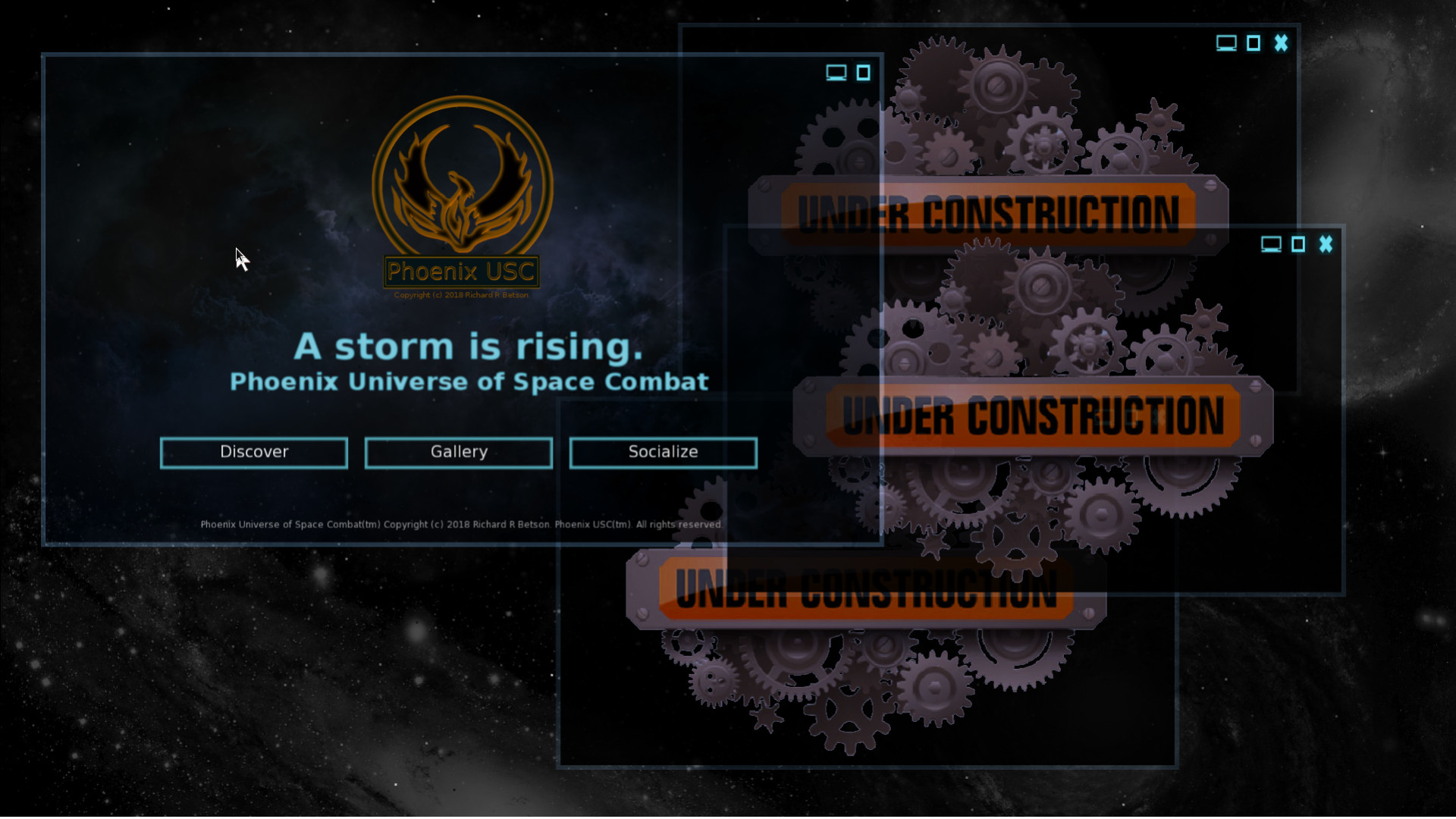
The GUI is designed to be omnipresent working with almost any OS, web browser or device. You can customize it to fit a particular look through a skin file and load a new one based on which device or OS you are using. Typically you will probably stick with one basic skin as the mechanics of the window and GUI components are designed to be friendly to most situations. For example to move a window you only need to left click and hold on an area of a window not used by a GUI component. That in itself makes it friendly to touch screens. The GUI also uses some unique features like casting a window as the background essentially making it a bottom most window. I have included two images that illustrate this behavior in wide-screen (5760×1080). In the first image you can see several windows running Phoenix USC. If you look closely you can see the cursor over a button in the game window. That little button is a screen cast button that will cast the game window as the background. This allows super easy management of windows allowing quick access to the game window (full screen – or mojo window) as well as all other active windows as seen in the second image. To get a good idea of how this works I would encourage you to tryout my Emscripten demo for Alien Phoenix (see this post for more detail and the code).
I will be hard at work trying to get this framework ready for early experimentation. As soon as I have something I consider usable and minimally documented I’ll post it for use. Till then stay tuned for more about Alien Phoenix.
Here is a screen capture of a triple monitor wide-screen setup (res: 5760×1080) running Phoenix USC at 60fps. The force is strong with mojo, Monkey2 and Alien Phoenix.
Of special note is that this is using Alien Phoenix’s windowed GUI. I will post more about the advantages in the Alien Phoenix thread.You can get a nice perspective of the map in the full size image bellow. A bit compressed because of the image source size.
Attachments:
I have posted some images of the latest developments on Phoenix USC’s IndieDB page.
Looks really great reminds me of Subspace
DING DING! You nailed it. I have maybe 2000+ hours playing SubSpace which still lives as Continuum. That community will be / is behind this project. Subspace / Continuum is the inspiration for Phoenix USC and will be payable online as an MMO. I have tried to stay true to Continuum (SubSpace) game-play including the use of inertia physics. I designed and developed Alien Phoenix (my gaming framework) just to support this game as ‘nothing’ I looked at as far as third party libraries was even close to supporting all that is needed on a single CPU core. Right now with all the bots running and a resolution of 1080p I have a CPU (single core) load of about 44% (max) which leaves plenty of headroom for networking.
I can tell you this, more then a few of my supporters call this SubSpace 3.
.the lit explosions from bullet death are rather large/bright and thus distracting
I think with some balancing, like alpha adjustments and color level/saturation I can achieve a good clear look.
My Phoenix USC ITCH.io page should be easier to read now.
-
AuthorPosts