Forum Replies Created
-
AuthorPosts
-
Ah nice!
Any example code on how I could blend two textures/materials(?) together on one mesh?A friend of mine helped me out with the liquid shader, making it match Quake as much as possible:
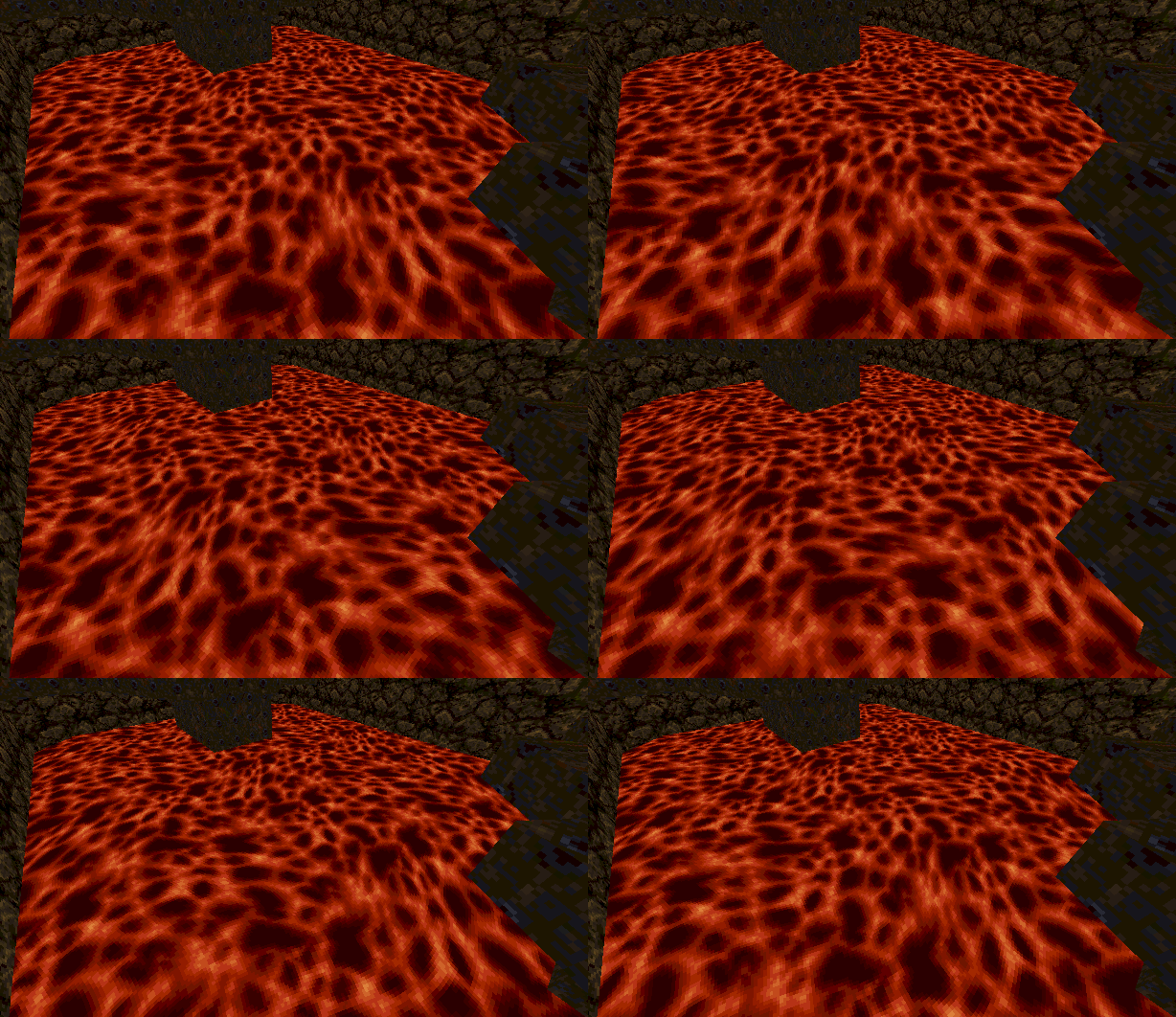
Yep, that did the trick!
Working now.It’s the Wine you know about heh.
A friend of mine were going to test something for me, but he’s on Linux right now.
I don’t have Linux myself atm. so I couldn’t build for it, and there seems to be no pre-built Linux files on itch.io, and he was in no mood to compile M2.
In the end he just tried Wine.Haha I love the look of Quake 1!
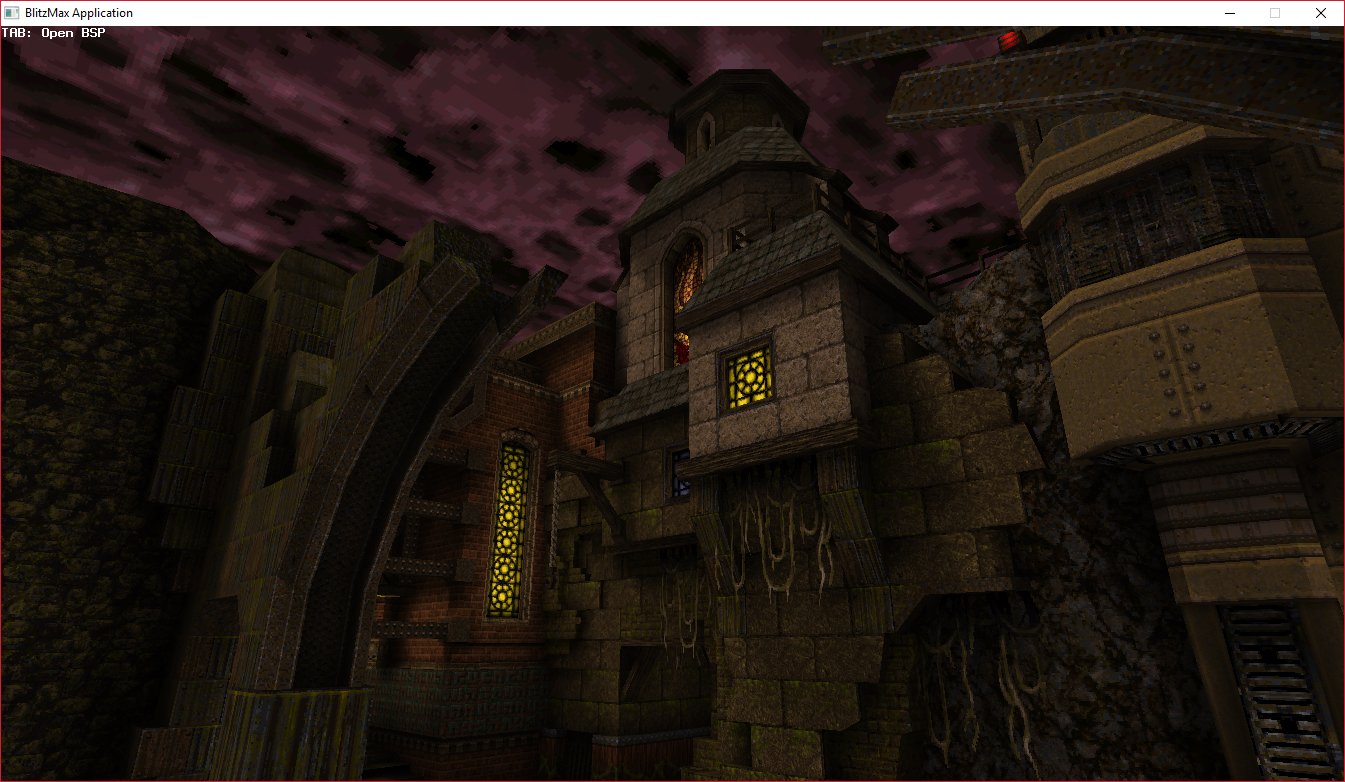
But don’t let my screenshots fool you, the filtering is awful and there are no lightmaps since Mojo3D doesn’t support multiple texture coords atm.
I’ve already loaded the Quake 1 maps in BlitzMax with the lightmaps, and this is how it looks there:The Monkey 2 version will get there eventually!

Maybe even use realtime lights?
Animated textures are now supported.
Working on shader for water and sky next.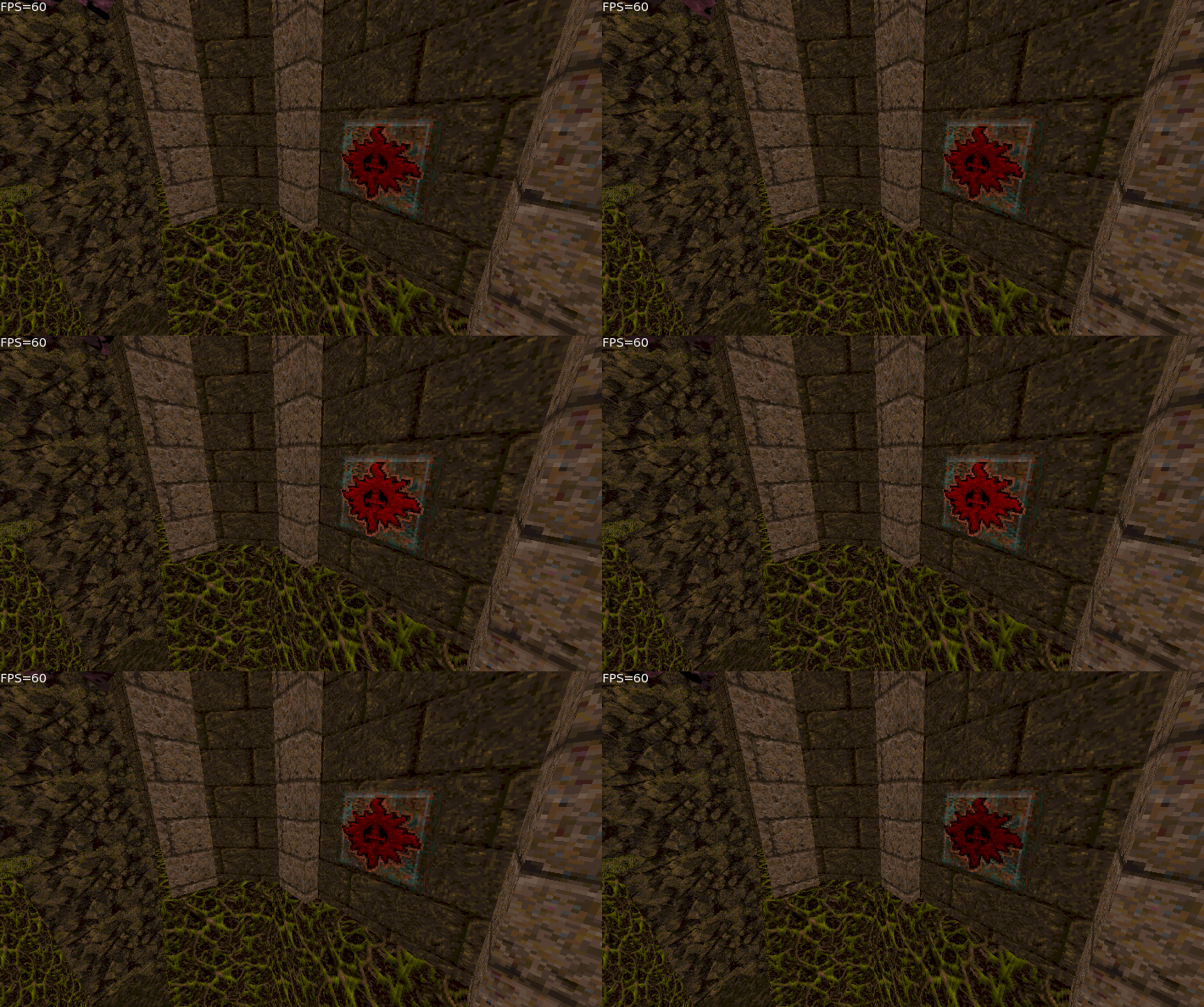
I was a bit sceptical about the color system myself at first, but it’s proven to be very effective!
MarkB I have no idea what you wrote…
But it’s real simple to use!
Local myColor:=New Color(1,0,0)
Or you could do Local myColor:=Color.Red
Then you just pass it to whatever you want to use it with.
Before (in BlitzMax for example) you had to do:
Local r:Byte=255
Local g:Byte=0
Local b:Byte=0
And then pass each RGB value to whatever was going to use it.And yes Pakz, that does work!
So does /, – and +
In fact, that works with every Vec class.
You can also use the .Blend function to get a nice blend between two colorsI’ve managed to get material transparency working for the textures that use a mask.
I also noticed that Mojo3D really doesn’t like a lot of materials per mesh, even if they’re not actually used!
So I’ve optimized that part quite a bit, I’m now getting solid 60 FPS at places where I used to get 8 FPS heh.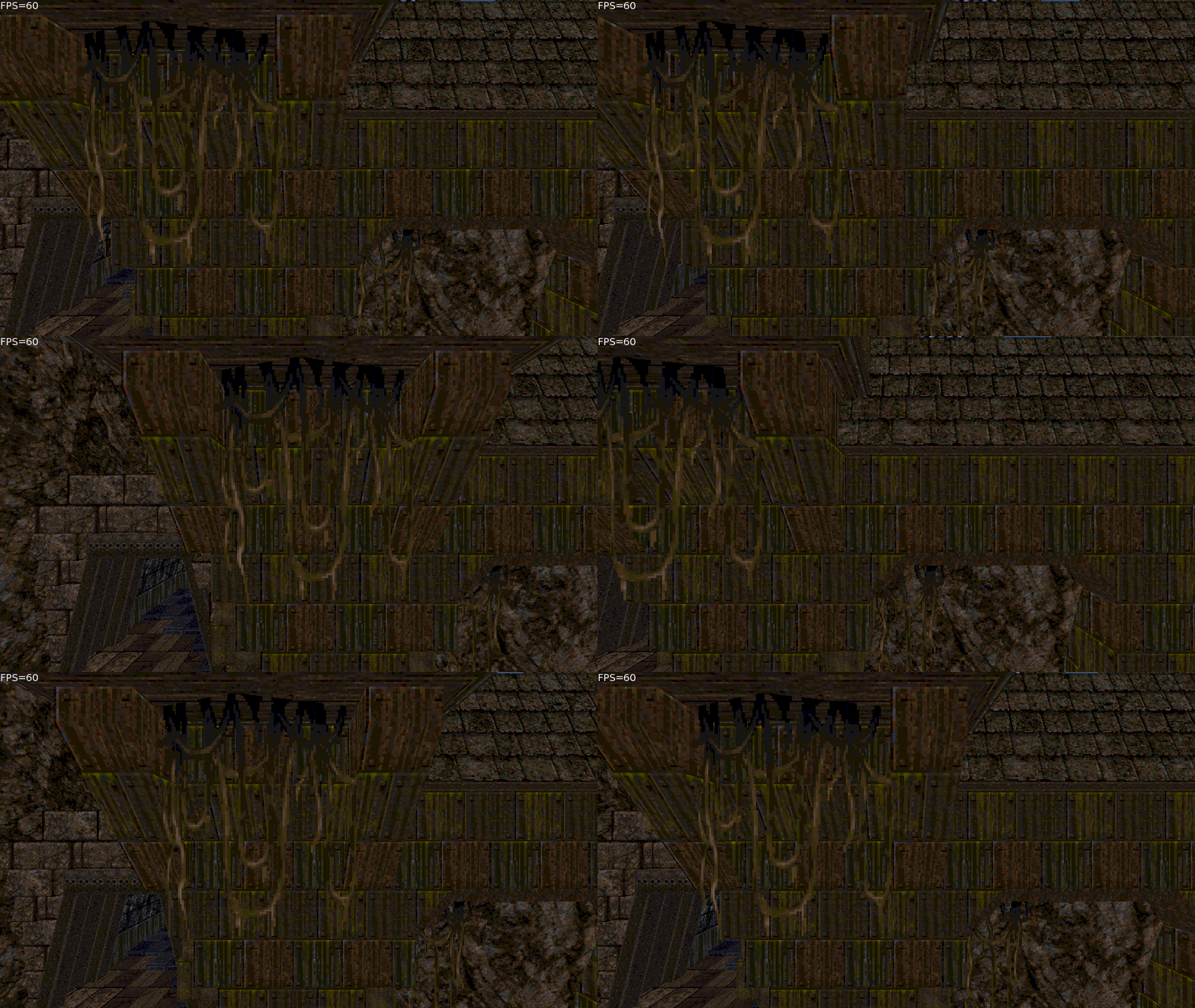
Thanks cocon!
I wonder how I’d add anisotropic filtering…
A Gif for you guys.
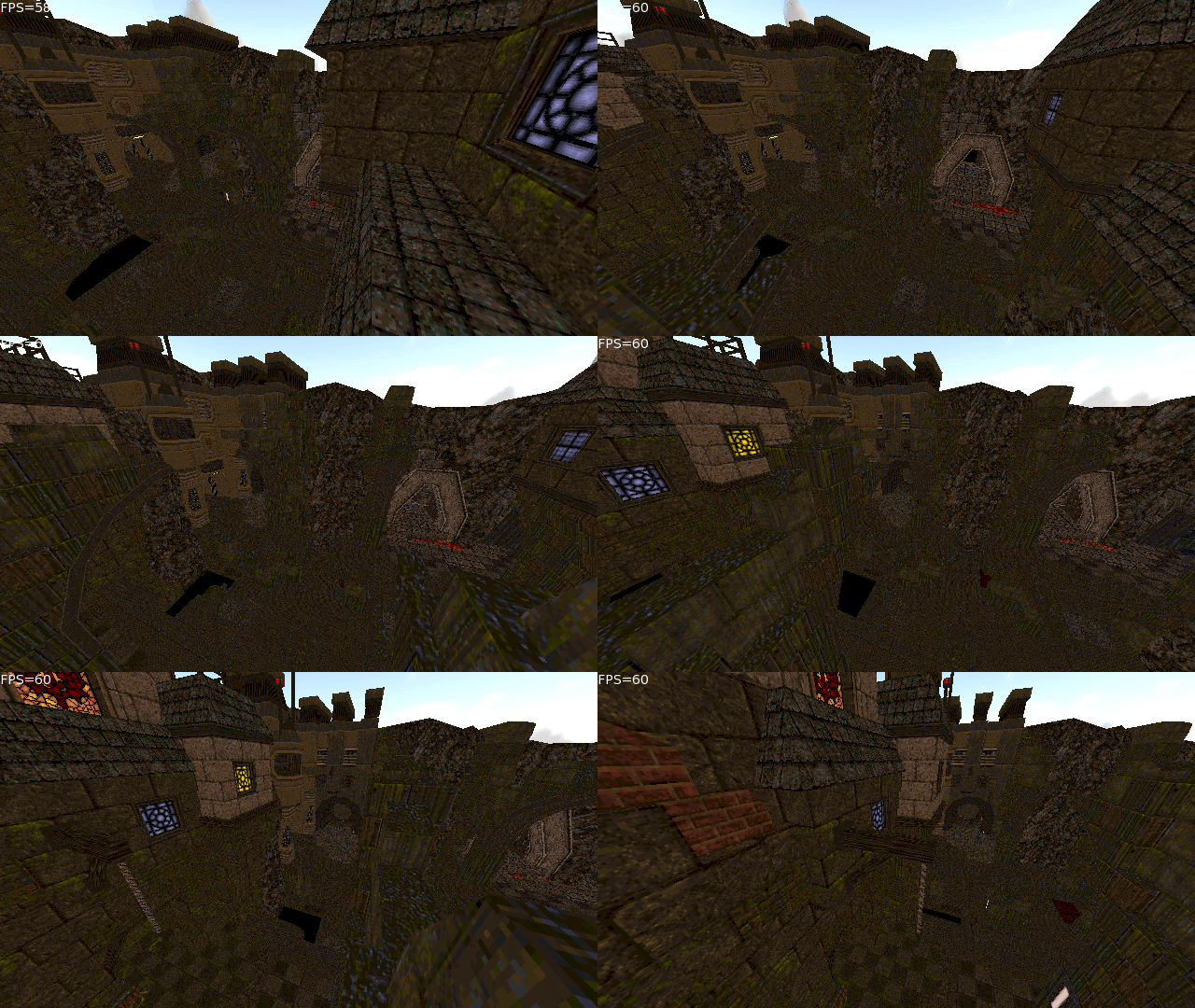
Standard textures are now working.
Trying to make my own shaders for sky and liquids.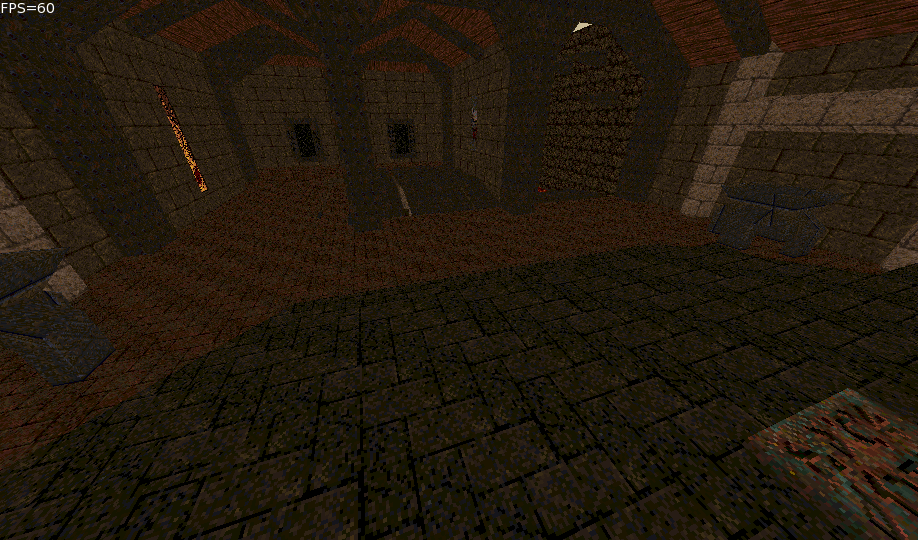
I did triggers, doors and all that in BlitzMax and MiniB3D, so I’ll use the same technique as before.
The BSP splits up movable stuff as their own mesh, so I can move them around easily.
I would probably make entity related things its own module though.I’m not even sure Mojo3D has any sort of collision code outside of the Bullet Physics stuff, so that might be trickier.
But I do have all the wall and floor information for the “section” the player/camera is in, so I wouldn’t have to check collision against the entire mesh, just the area you’re in.
It’ll be sorted over time!Right now I’m just trying to get textures to work properly.
They can be animated in different ways, so I’ll have to figure out how to do that in Mojo3D too.Ah mesh had those functions, very nice… totally missed that. (shame on me)
I only looked at the Mesh Extension code and used New Mesh(vertices.ToArray(),triangles.ToArray())Anyways, thanks!
Weird, this is a pretty high end GPU, and I’m sadly having the same flickering on my other machines. :/
But the flickering is gone with shadows disabled.This isn’t just a mesh, it’s my own BSP loader I’m working on.
It directly loads the BSP files from Quake 1, complete with textures and entity information (Textures not applied yet heh)
Something assimp can’t do.Here’s a link to it anyways (Win): https://www.dropbox.com/s/blvpg0746orcsca/m2_bsp_win.7z?dl=0
WASD to move around, arrow keys to look around and Space and CTRL (or just C) to ascend and descend.I just got this working, so it may just be that my normals are way off.
But still, the spheres at my original post is also messed up.Well as I said, I’m on Windows 10 using an ATI R9 390x GPU.
The Windows 10 app is called “View 3D” and comes with the newer Windows 10 versions.Mark if you jump into the IRC monkey2 room, we can have a direct chat and debug this if you want.
I’ll test any code you throw at me.
The new Ted2Go version has IRC built into it, or you could just use a web client.
We’re at Freenode #monkey2I’m doing some of my own mesh loading and I’m noticing a lot of problems with the 3D engine as I go along.
I think it may be the shadows actually.

@nerobot
Oh you’re off on vacation just when I get back heh.
Nice progress overall with Ted2Go!
But what happened to my CodeMap View? :O
It’s acting super weird and doesn’t do what it should do.
For example, when you click once somewhere, it should jump to that part, now it just scrolls really far somewhere.
And I’m able drag the viewing area even though I’m not hovering over it with the mouse.
It also seems like the view area is drawn over the text? That’s a bit odd.Here’s a GIF where I show being able to drag the viewing area outside of the viewing area.
And I’m also trying to click on the green part to scroll there, but it instead scrolls somewhere else.

-
AuthorPosts