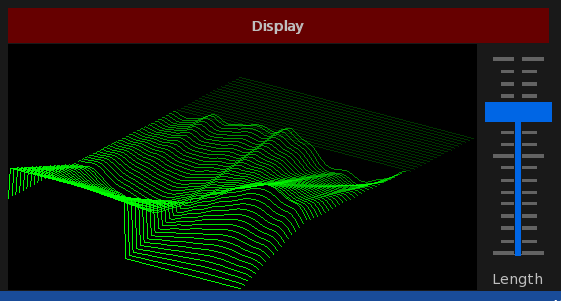
Forum Replies Created
-
AuthorPosts
-
Read it here…
https://twitter.com/blitzmunter?lang=en
Mark. If you read this. Get i touch, I’m behind you with monkey2.
My person view is the 2 should be there and it should match and be clear
OK Version 1.06 is now ready for download:
https://adamstrange.itch.io/qasardio
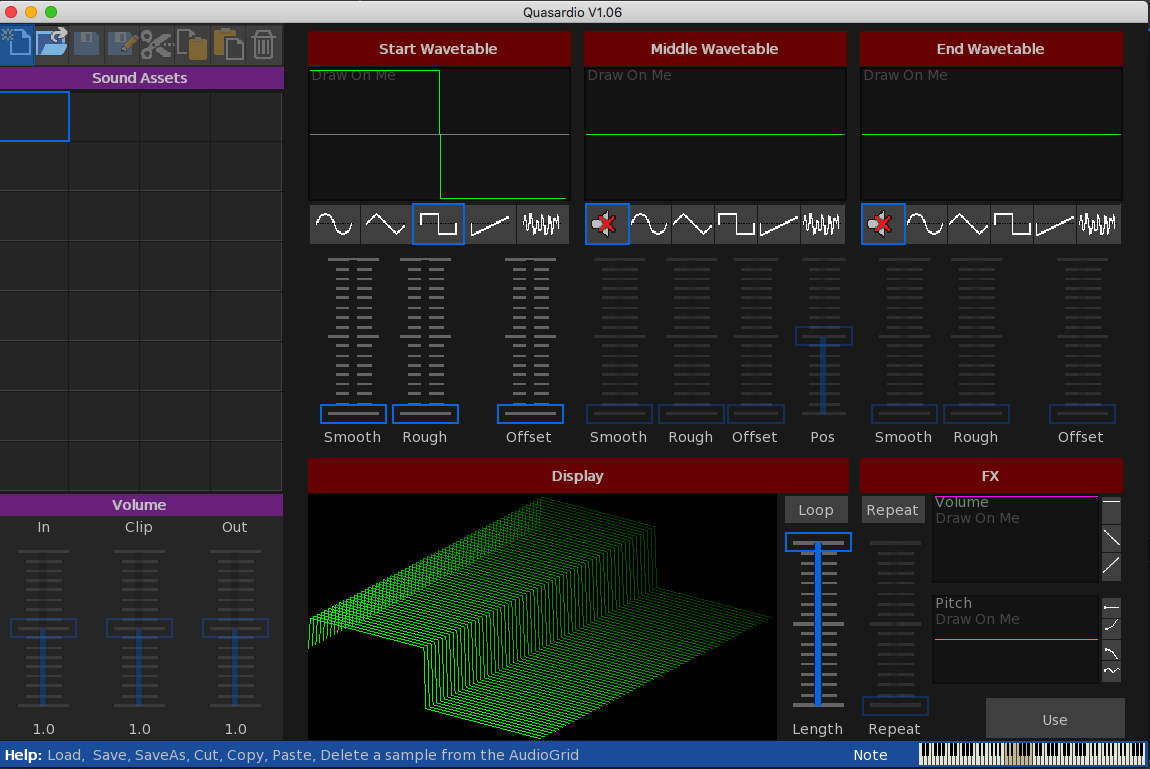
I’ve added some quick presets to the fx panel so you can reset or make quick blips, pings, etc
Hi Mark. There will be a new download soon with all the new stuff. I’m just debugging a few bits.
@therevils Please use the above 2 as your base!
DONT substitute the powered by with another typeface. This has been very carefully chosen for clarity.
I’m not getting into the ‘2’ issue, but agree about Simon remark about other not using numbers.
Here’ is the redesigned logo without the 2


Almost finished now:
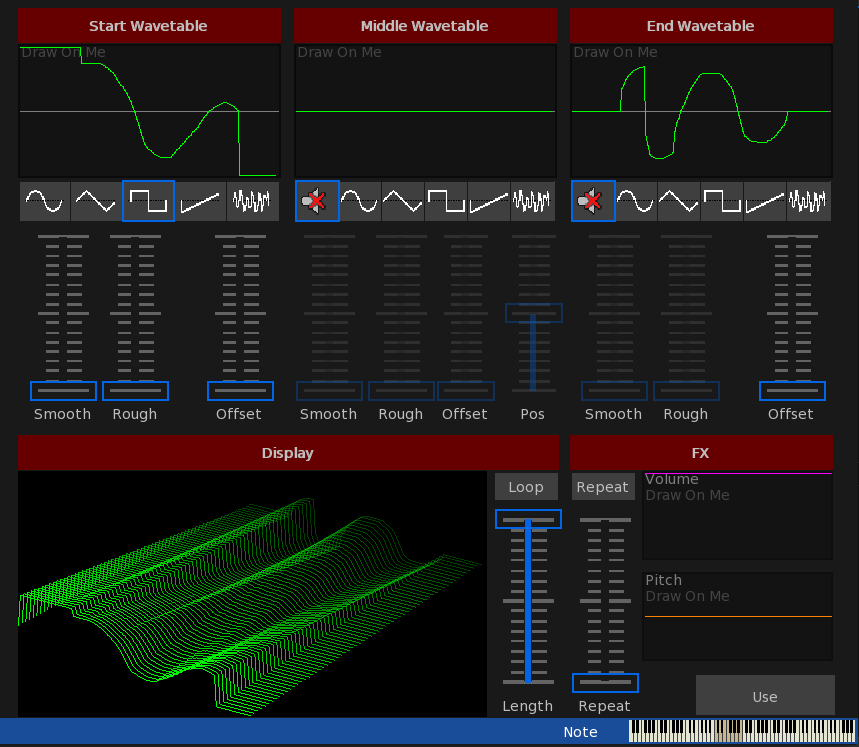
The Create screen now has drawable waveforms, plus drawable volume and pitch envelopes. repeats, Loops and All instant.
Just fiddle and play…
Did I forget it’s hugely visual as well.

New version 1.03 now available with the following changes:
New App Icon is now present.
Enhance has been removed and replaced with Reverse. This allows you to reverse the playback of a clip
Current filename has been added to the info bar along with disk icon. these change if the file needs to be saved
Sounds in the audio grid that need to be saved now change color and also have the addition of a disk icon.
Top left button bar now auto-greys buttons that are not usable. E.G. Paste icon only shows when something has previously been copied, etc.
Save as has been added along with new icon.
Save and SaveAs are not yet enabled.
OK. V1.02 now upped
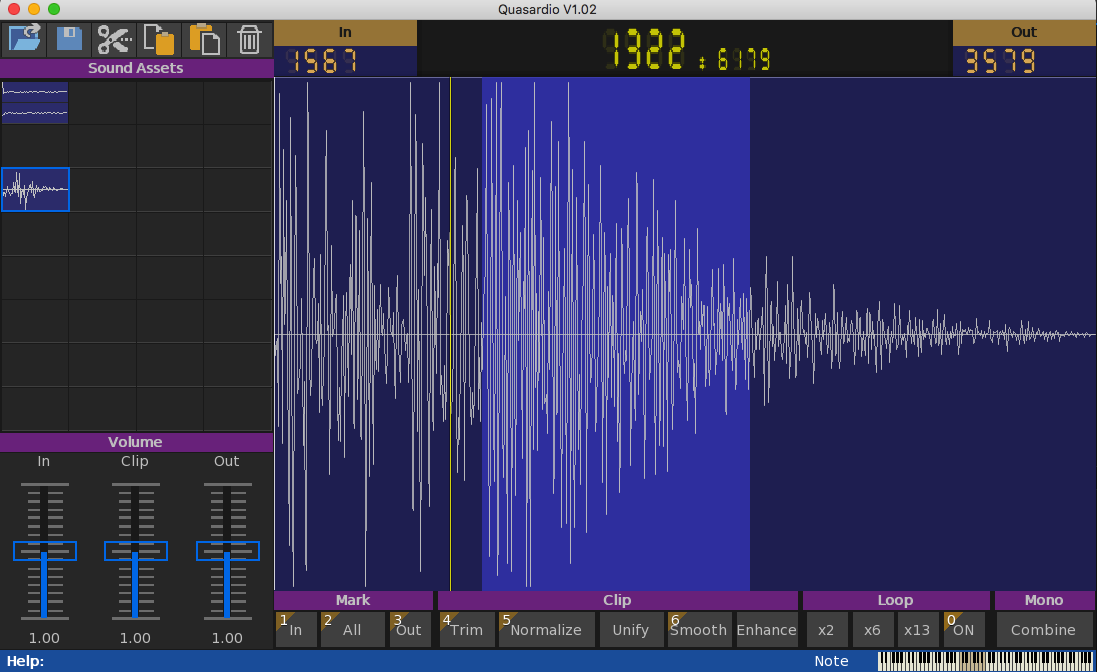
Drag n drop is now support
added in/out/length/playhead bar to the top of the sample view. you can click to set in/out/all here too
trim now re-enabled
is there a macOS version of this?
mmm, the hdd is an interesting one. Do you have any code that will list connected drives?
Drag & Drop – consider it being done
confirmed – I love you. Will get a new version sorted
OK, fixed and upped plus new version for windows that won’t crash on start
Let me know how this one goes

Here’s a thing.
As you can see from the above pics I am using a ‘places’ way of dealing with the disk locations.
I’ve now switched over to windows and needed to update all of it. Not completely perfect, but I now have all the correct locations and operations working seamlessly on both mac and win machines.
so there should be something to test very soon…
really nice way of showing the bitmaps in the 3d look. Kudos
-
AuthorPosts